1
«◄○►»
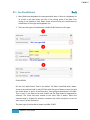
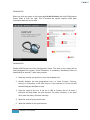
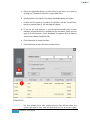
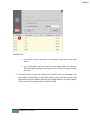
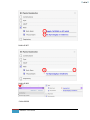
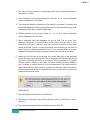
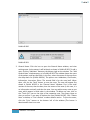
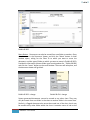
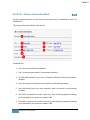
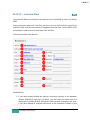
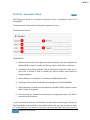
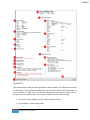
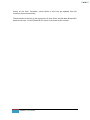
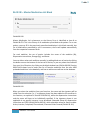
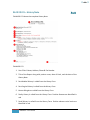
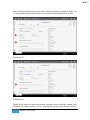
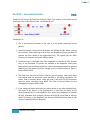
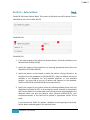
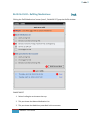
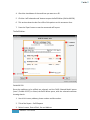
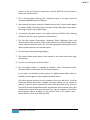
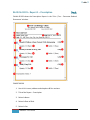
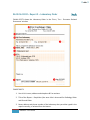
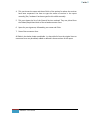
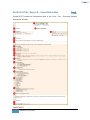
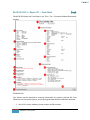
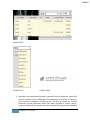
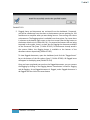
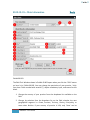
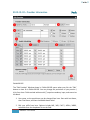
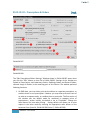
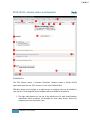
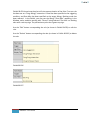
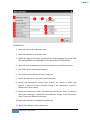
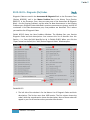
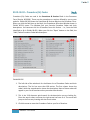
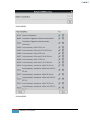
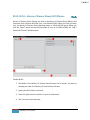
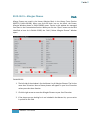
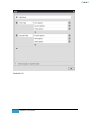
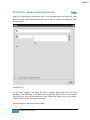
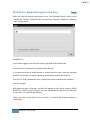
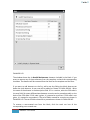
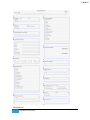
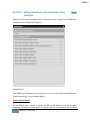
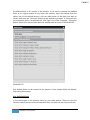
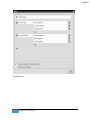
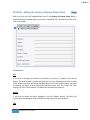
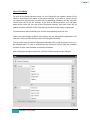
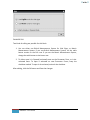
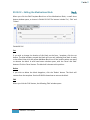
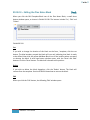
4. Press this right-arrow to include it in your list of favorites. The General Order
items you have added from this field will not be added in the Master List. They
will only be added to your favorites.
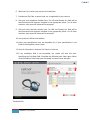
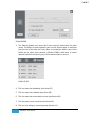
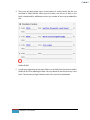
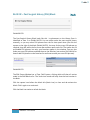
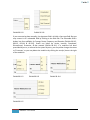
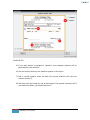
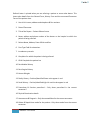
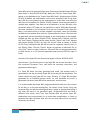
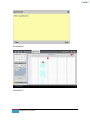
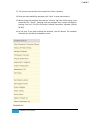
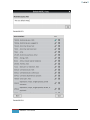
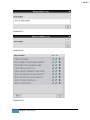
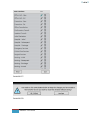
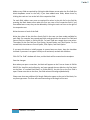
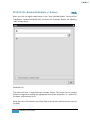
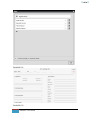
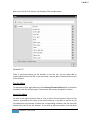
5. This is the list of your favorites, that you have prepared either by selection from
the Master List, or by writing the General Order items yourself, or as a
combination of both.
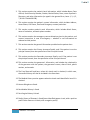
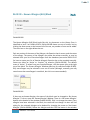
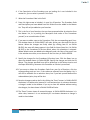
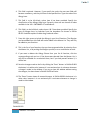
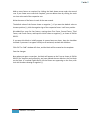
6. If you want to delete a General Order item from your list of favorites, click the
corresponding trash can icon. If the item was selected from the Master List, it
will still be available for re-selection there, but if you had yourself written it, it
will be lost.
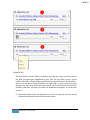
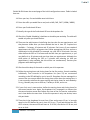
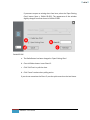
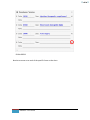
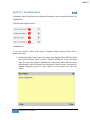
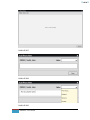
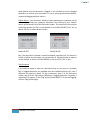
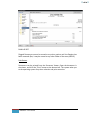
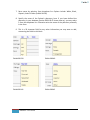
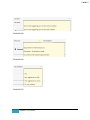
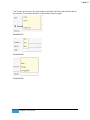
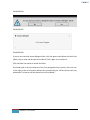
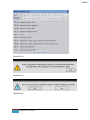
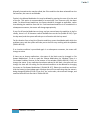
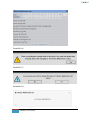
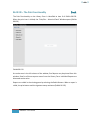
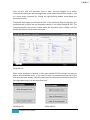
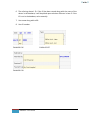
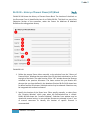
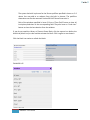
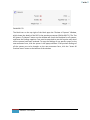
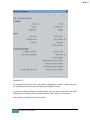
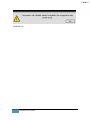
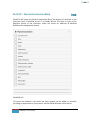
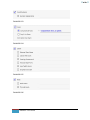
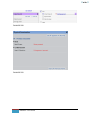
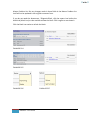
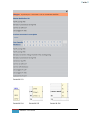
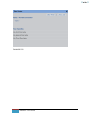
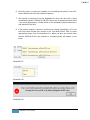
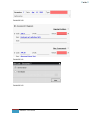
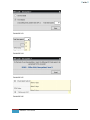
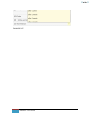
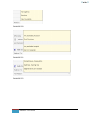
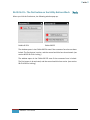
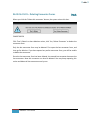
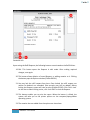
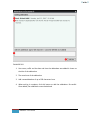
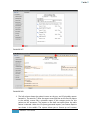
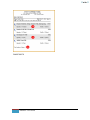
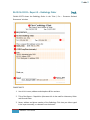
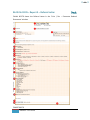
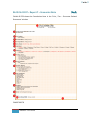
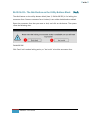
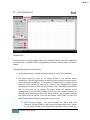
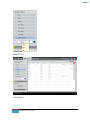
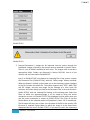
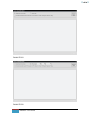
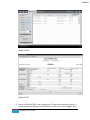
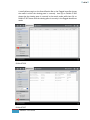
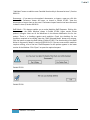
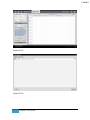
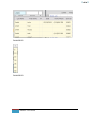
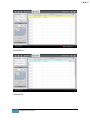
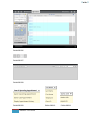
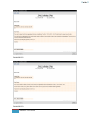
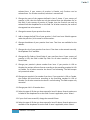
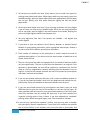
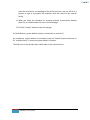
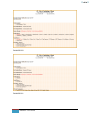
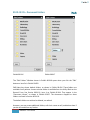
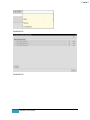
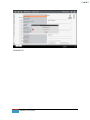
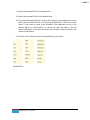
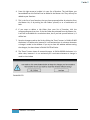
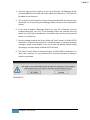
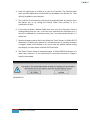
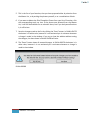
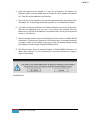
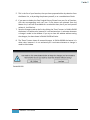
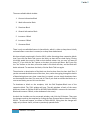
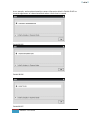
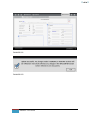
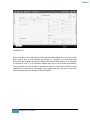
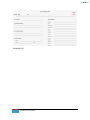
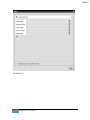
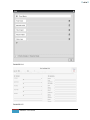
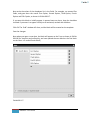
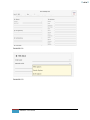
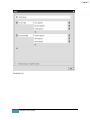
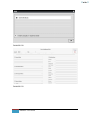
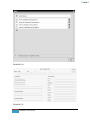
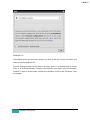
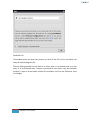
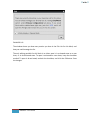
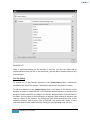
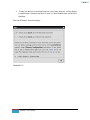
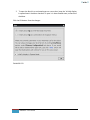
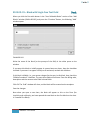
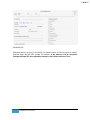
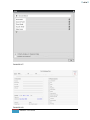
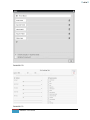
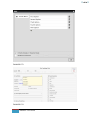
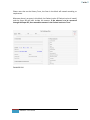
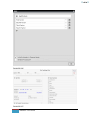
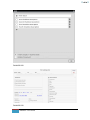
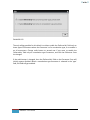
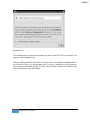
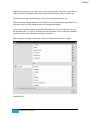
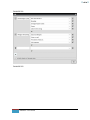
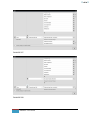
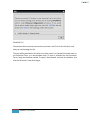
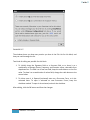
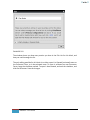
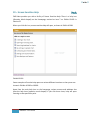
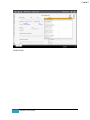
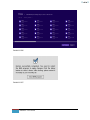
7. Save the changes made to the list by clicking the “Save” button. In Exhibit 09.073
the button is in white color, because it is not activated yet. It activates whenever
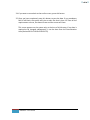
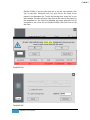
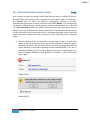
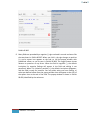
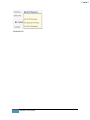
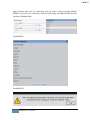
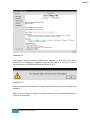
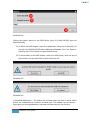
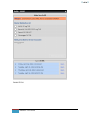
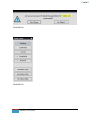
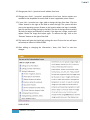
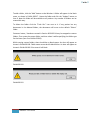
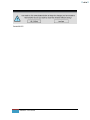
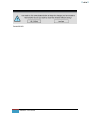
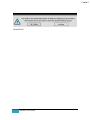
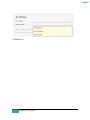
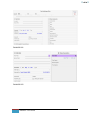
a change is made in the window. If you try to close the window without saving
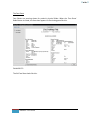
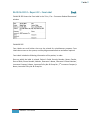
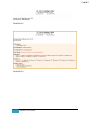
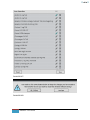
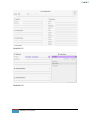
the changes, the alert shown in Exhibit 09.074 will raise.
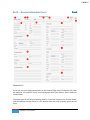
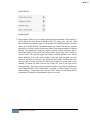
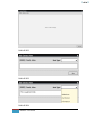
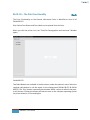
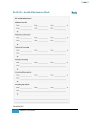
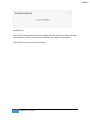
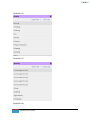
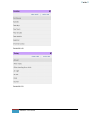
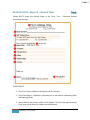
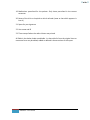
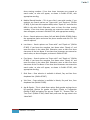
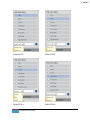
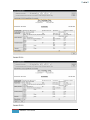
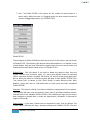
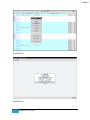
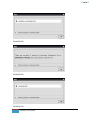
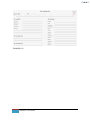
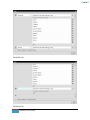
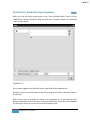
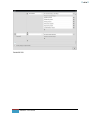
8. The “Reset” button clears all unsaved changes. In Exhibit 09.074 the button is in
white color, because it is not activated yet. It activates whenever a change is
made in the window
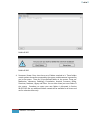
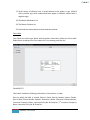
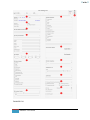
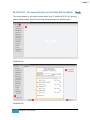
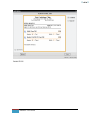
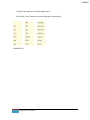
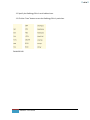
Exhibit 09.074
319
EMR NEXT – User Manual