1
52
InspireData™ User's Manual
Launch a Survey
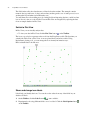
Once you have your Survey set up the way you like, you can start collecting data.
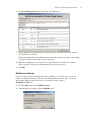
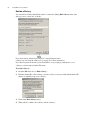
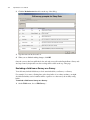
1. On the Table menu, choose Launch Survey.
2. Ask your participants to come to the computer one at a time.
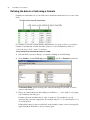
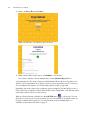
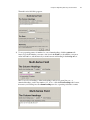
3. Instruct each participant to fill out the form and click the Add Record button
are finished.
when they
4. After all of the participants have entered their data, click the Close button.
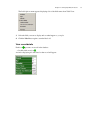
5. On the File menu, choose Save to save your data.
Create an e-Survey
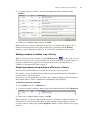
An e-Survey allows you to collect data by publishing your database to a web site. Respondents
need not be in the same location and are able to add responses to your e-Survey as long as they
have a connection to the Internet. It is not necessary to have InspireData installed in order to fill
out an e-Survey.
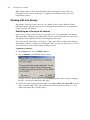
Once responses are complete, you can download your database to InspireData and begin
analyzing data.
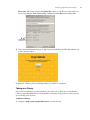
To create an e-Survey:
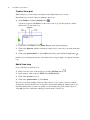
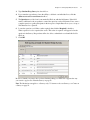
1. On the Table menu, choose Edit Survey.