1
Chapter 11: Making a Stack plot
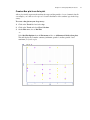
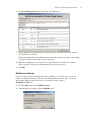
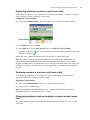
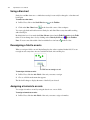
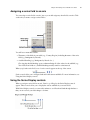
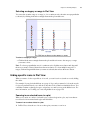
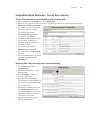
Removing a category from a supercategory in a Stack plot
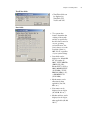
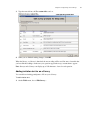
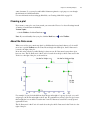
1. Click the diamond
next to the supercategory you want to remove a category from.
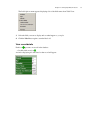
2. Choose the category you want to remove from the menu.
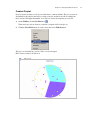
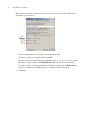
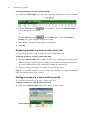
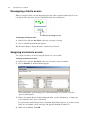
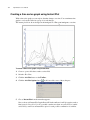
Renaming a supercategory
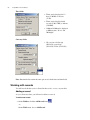
1. Click the diamond
next to the combined category.
2. Choose Rename Supercategory from the menu.
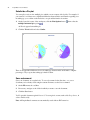
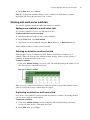
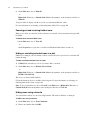
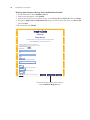
Dissolving a supercategory
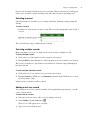
1. Click the diamond
next to the supercategory you want to dissolve.
2. Choose Dissolve Supercategory from the menu.
Note: You can dissolve all of the supercategories on an axis at one time by clicking the Reset
button next to the axis you want to reset.
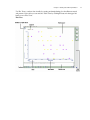
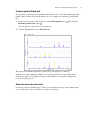
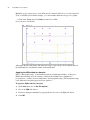
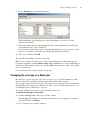
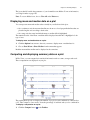
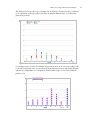
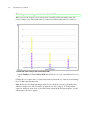
Changing the maximum and minimum values of a range axis
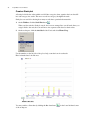
You can change the minimum and maximum values displayed in a range axis. All records that fall
below the minimum or exceed the maximum values you define are placed in the far left or right
subdivisions, respectively.
To change the minimum value of a range axis:
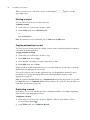
1. Click the smallest number in the range axis you want to change.
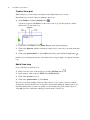
2. Type the new minimum value, then click the Accept
button.
To change the maximum value of a range axis:
1. Click the Max: button next to the range axis you want to change.
2. Type the new maximum value, then click the Accept
button.
Note: To reset the options for a range axis, click the Reset button next to the axis you want to
reset.
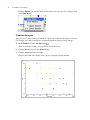
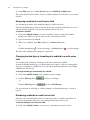
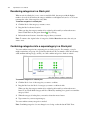
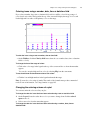
Changing the range step of a range axis
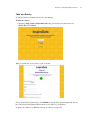
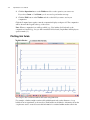
A range step is the size of the interval on a range axis. InspireData automatically calculates the
range step based on how much room is available in the workspace window. You can adjust the
size of the range step.
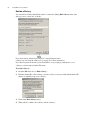
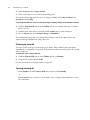
To change the range step of a range axis:
1. Click the Step: button next to the range axis you want to change.
2. Type the new range step, then click the Accept
button.
145