1
Flex.View V3.1 Help Manual
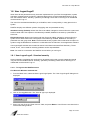
2.3.1.6 Edit Database
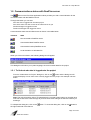
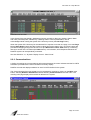
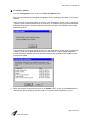
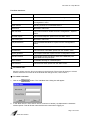
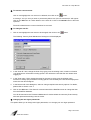
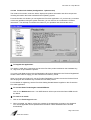
Providing a user has the appropriate user-level access, the Edit Database option will allow the user to
access and edit certain fields available in the Database Editor. Fields that cannot be edited are grayed
out.
For description of fields in the Edit Database window, please refer to Section 3.3.
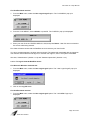
2.3.1.7 Information Tagging
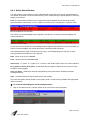
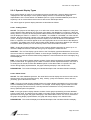
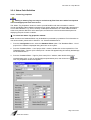
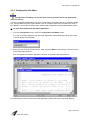
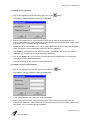
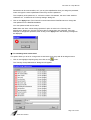
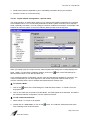
The Information Tagging provides the system operator a method to attach information associated with
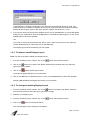
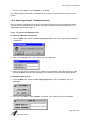
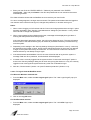
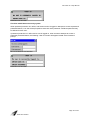
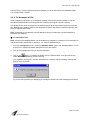
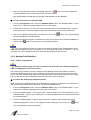
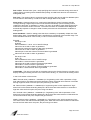
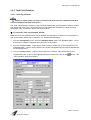
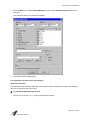
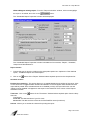
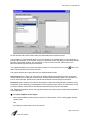
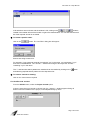
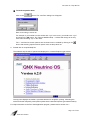
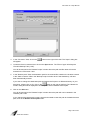
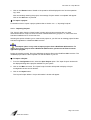
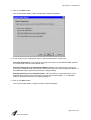
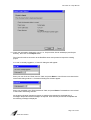
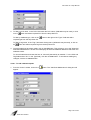
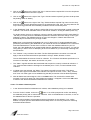
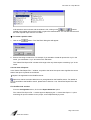
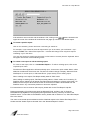
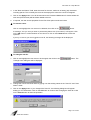
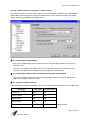
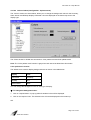
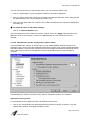
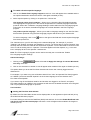
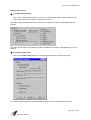
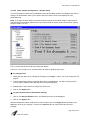
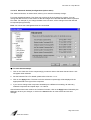
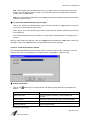
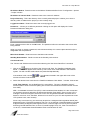
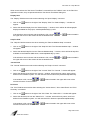
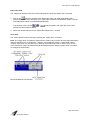
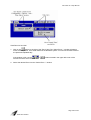
a particular point. When Information Tag is selected from the Poke Point Menu, the following window
will appear:
Microsoft Windows look and feel
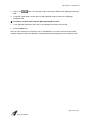
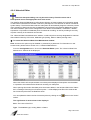
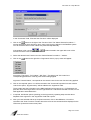
RealFlex4 look and feel
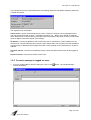
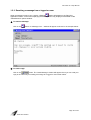
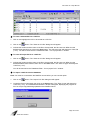
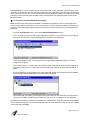
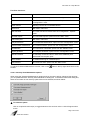
The Information tagging window will display the PCU name, tag name, the date accessed and the
operator login.
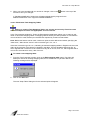
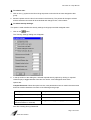
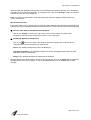
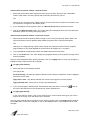
To enter information and apply tagging, begin typing. When the message is complete, click on the
Add button.
Page 65 of 249
5000-0001-0040-E