1
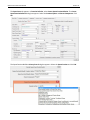
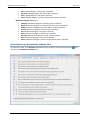
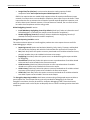
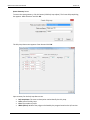
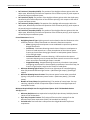
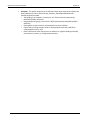
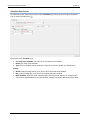
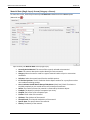
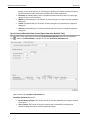
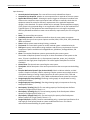
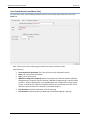
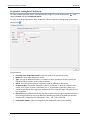
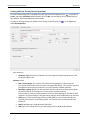
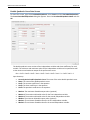
CBECC-Com 2013 User Manual Version 3c State: Lighting designer’s state (input is optional). Zip Code: Lighting designer’s ZIP code (input is optional). Title: Lighting designer’s title (input is optional) Phone: Lighting designer’s primary contact phone (input is optional). Mechanical Designer Info section Company: Mechanical designer’s company (input is optional). Name: Mechanical designer’s primary contact name (input is optional). Address: Mechanical designer’s primary address (input is optional). License: Mechanical designer’s license (input is optional). City: Mechanical designer’s city (input is optional). State: Mechanical designer’s state (input is optional). Zip Code: Mechanical designer’s ZIP code (input is optional). Title: Mechanical designer’s title (input is optional) Phone: Mechanical designer’s primary contact phone (input is optional). Project Data Screen (Exceptional Conditions Tab) To access this screen, in the Envelope tab double click on the Project name (Project Data icon then click the Exceptional Conditions tab. 38 ) and