1
RV-EMS/TDM Megaplex-2100H/2104H User’s Manual
Chapter 3 Card and Port Management
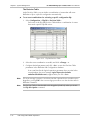
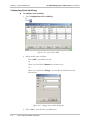
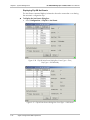
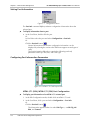
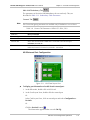
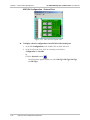
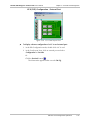
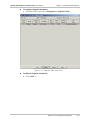
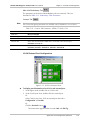
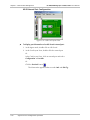
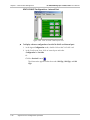
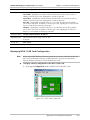
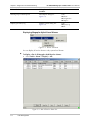
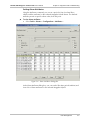
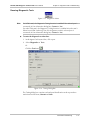
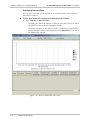
To exit the Card View:
in the upper right-hand corner of the Card Layout View
• Click on the
window.
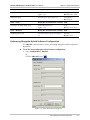
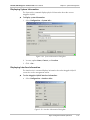
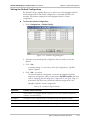
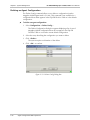
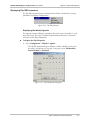
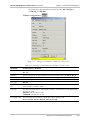
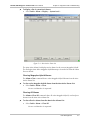
Displaying Card Configuration Information
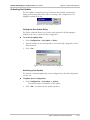
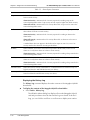
The Card Info command displays software and hardware version numbers of the
selected card.
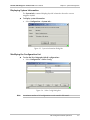
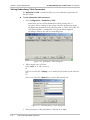
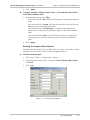
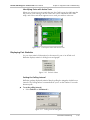
To display software and hardware version numbers for a specific card:
1. Select the card in the mux.
2. Perform one of the following:
•
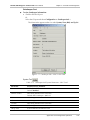
Select Configuration > Card Info...
Or
.
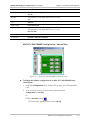
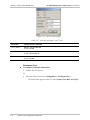
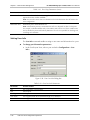
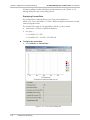
Click the Card Info button
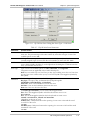
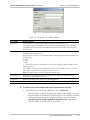
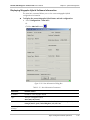
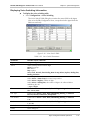
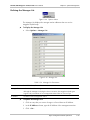
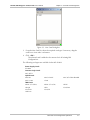
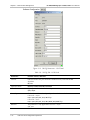
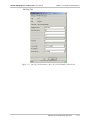
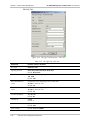
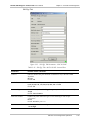
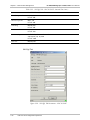
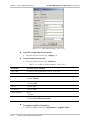
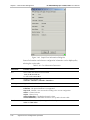
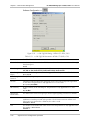
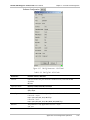
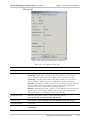
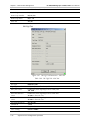
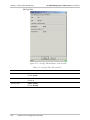
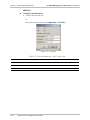
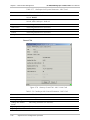
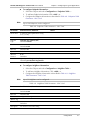
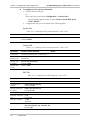
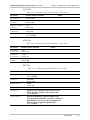
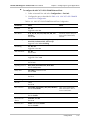
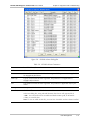
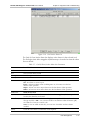
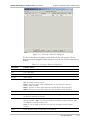
Figure 3-46. Card Information Dialog Box
Note
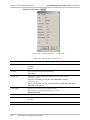
Parameters vary based on the type of card.
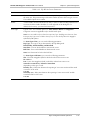
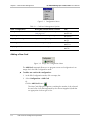
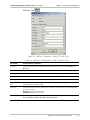
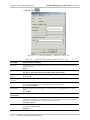
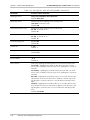
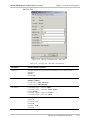
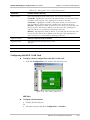
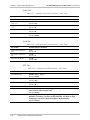
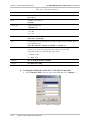
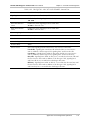
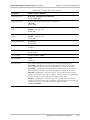
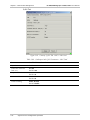
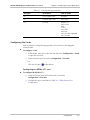
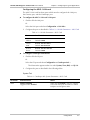
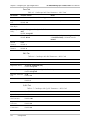
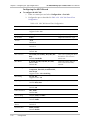
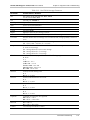
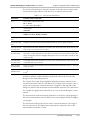
Table 3-47. Card Information Parameters
Parameter
Possible Values
Slot
Slot in which the selected card is inserted
Programmed Card Type
Type of the selected card
Installed Card Type
Type of the selected card
SW Version
Software version number
HW Version
Hardware version number
Enhanced Echo
Disabled, 16ms, 32ms
Port Type
E & M, FXO, FXS
E & M Type
type1, type2, type3, ssdc5
3-54
Agent Card Level Configuration Operations