1
RV-EMS/TDM Megaplex-2100H/2104H User’s Manual
Chapter 2 System Management
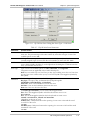
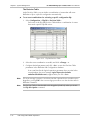
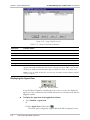
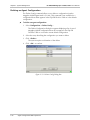
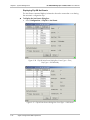
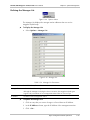
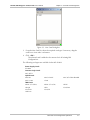
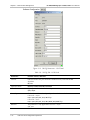
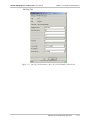
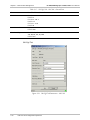
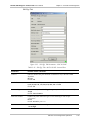
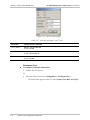
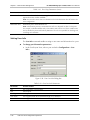
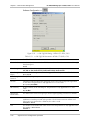
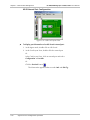
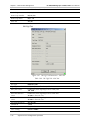
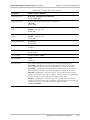
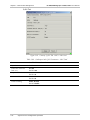
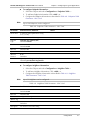
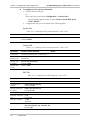
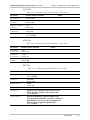
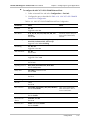
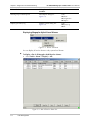
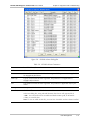
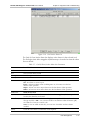
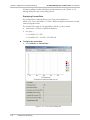
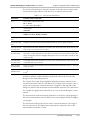
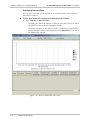
Figure 2-14. Decision Table’s Net Event List
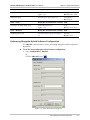
Updating (Downloading) the Flip DB to the Megaplex Hybrid
The Flip DB>Update command saves (downloads) the information in the Agenda,
Net Events and Decision Table to the Megaplex Hybrid.
Note
This option is only available when there is communication with the Megaplex
Hybrid.
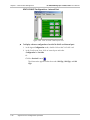
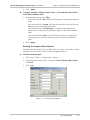
To update the Flip DB to the Megaplex Hybrid:
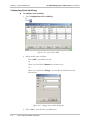
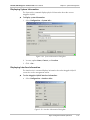
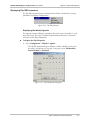
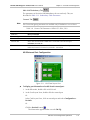
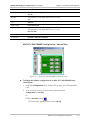
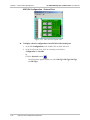
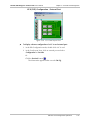
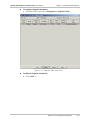
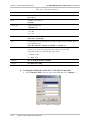
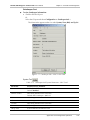
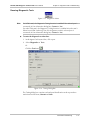
1. Select Configuration > Flip DB > Update.
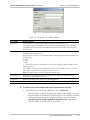
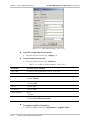
2. Click <OK> to confirm Update operation.
The Flip configuration is saved in the Megaplex Hybrid CL card.
If the sanity check detects errors, RADview aborts the Update Flip DB
process.
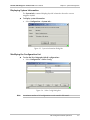
Reading (Uploading) the Flip DB to the Edit Configuration
The Flip DB>Read command reads (uploads) the Flip configuration from the
Megaplex Hybrid agent’s mode in the database to the Edit Flip Configuration.
Note
This option is only available when there is communication with the Megaplex
Hybrid.
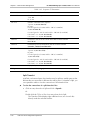
To upload the Flip DB to the Edit Flip Configuration:
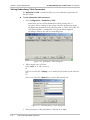
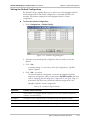
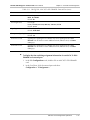
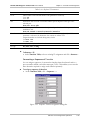
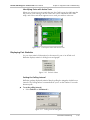
1. Select Configuration > Flip DB > Read.
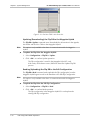
2. Click <OK> to confirm Read operation.
The Flip configuration in the Megaplex Hybrid CL card replaces the
existing Edit Flip configuration.
2-14
Edit Configuration Mode Operations