1
UPDATING TABLES
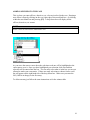
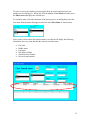
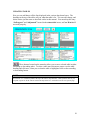
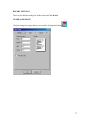
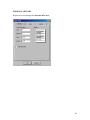
Here you can add data to all the lists displayed in the various drop down boxes. The
headings at the top of the tables tell you what that table is for. You can add, change, and
delete entries just the same as described earlier in this manual. You must keep the entry
“In Progress” and “Adjourned” located in the status table in tact, or Case Watch will
not work properly.
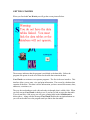
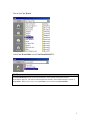
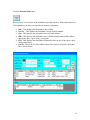
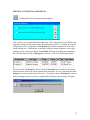
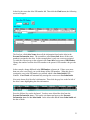
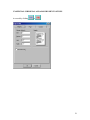
These buttons located on the menu bar allow you to sort a selected table in either
ascending or descending order. To select a table move the mouse cursor over the table
heading and click once, when you see that the table is highlighted click on the ascending
or descending button.
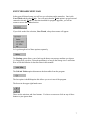
NOTE:
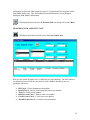
You will see a “*” wildcard symbol at the top of the officer drop down box. That symbol is there so you
can print a report for all the officers listed in the drop down box. Each officer will be on a separate page.
30