1
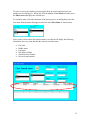
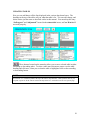
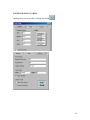
From the above listed information, you can identify the defendant you are searching for.
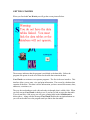
Once the defendant is selected, Case Watch will display all related court cases in the
next box
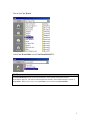
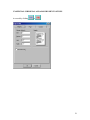
To select the case just click on the one you want and Case Watch will load that case into
the Main Area.
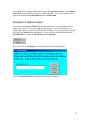
Clicking this button will close the Case Search area and go back to the Main
Area.
NOTE:
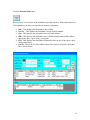
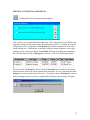
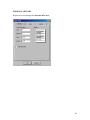
The Ticket # box displays all the civil infraction ticket numbers. They will have a “T” in front of them to
designate that they are tickets and not district court criminal cases.
DELETING A CASE
In some circumstances, you may find it necessary to delete a case. In order to do this
locate the case using the methods previously described and have it displayed in the Main
Area.
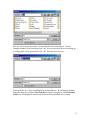
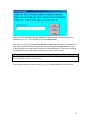
Clicking this button, located in the Main Area, will delete the case in which is
currently being displayed. It will not however delete the defendant or their personal info.
A warning message will appear to confirm your deletion.
24