1
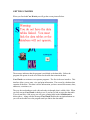
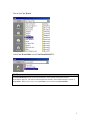
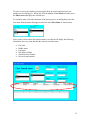
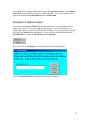
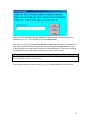
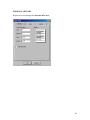
When you click the Ok button Case Watch will automatically backup the data tables
database to the “A:\” drive and then close the backup screen.
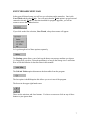
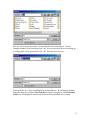
Next time you go to do a backup Case Watch remembers the last location you backed up
your data to and will display the path name when you open the backup screen. If you
want to backup to the same location then just click the Ok button. If you want to backup
to a different location click the browse button and select a new location.
NOTE:
It is recommended you back up your data often.
How often you backup your data is up to you, it is recommended that you do it often.
36