1
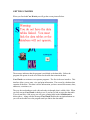
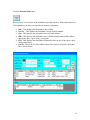
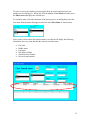
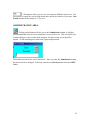
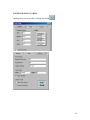
Notice how the state is automatically capitalized and the phone number is automatically
formatted. This is done to allow for faster entry. All you need to do is type the letters or
numbers. Click on the minus (-) sign to make the address area disappear.
CHANGING A WITNESS NAME
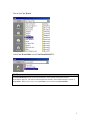
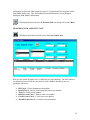
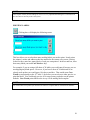
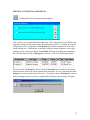
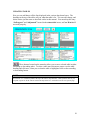
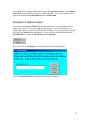
For this example we will change “Test First Name” to “Test Chg F Name.” First click
to the right of the area where “Test First Name” is displayed and highlight all the words
by holding down you left mouse button and dragging it across the words.
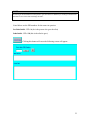
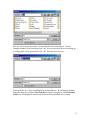
Now type the new entry “Test Chg F Name”.
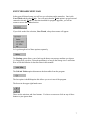
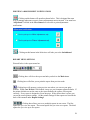
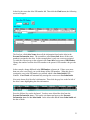
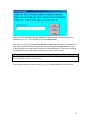
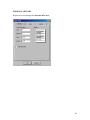
To delete an entry just click on the gray box to the left of the entry you want to delete.
Case Watch will highlight the entry.
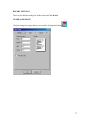
Press the [Delete] key to delete the entry.
15