1
PRINTING (UNOFFICIAL) SUBPOENAS
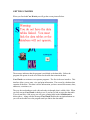
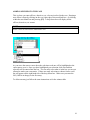
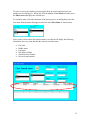
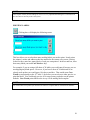
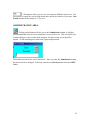
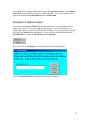
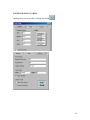
Clicking this button will open the following box.
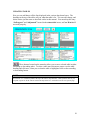
This is where you can print individual subpoenas. These subpoenas are not official court
subpoenas and are mostly used in house for notification purposes. Checking the first box
will print the officer’s subpoenas. Case Watch will print one subpoena for each officer
listed with the case. Checking the second box will print witness subpoenas, once again
printing one for each witness listed. Case Watch will only print subpoenas containing
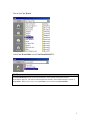
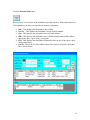
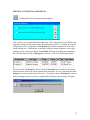
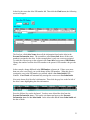
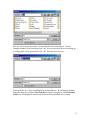
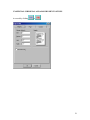
the case information for the “In Progress” selection. Look at the following example.
The top row has “In Progress” selected in the Case Status area so only the court dates
and court times in that row will be printed on the subpoena. It is very important that “In
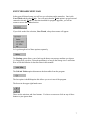
Progress” is only selected for the active case. If you do not have “In Progress” selected
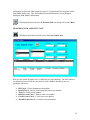
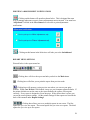
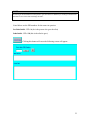
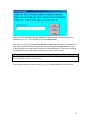
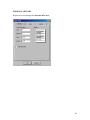
and you attempt to print or preview a subpoena the following error message will appear.
27