1
Control panel
6
Functions
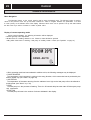
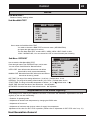
The control computer is operated with the help of a user friendly menu system that is displayed on the contr ol
panel. There is a main menu and four sub-menus accessible from the main menu. The menus are described in detail
further down.
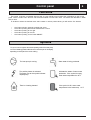
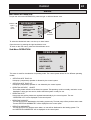
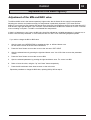
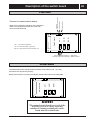
To be able to select the desired menu and increase or reduce preset values, you will use the five buttons.
•
•
•
•
•
One butto n poin ting
One button pointing
One button pointing
One button pointing
One button pointing
upwar ds marked with a plus
downwards marked with a minus
to the right
to the left
to the Power ON/OFF
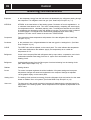
Symbols
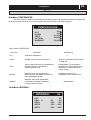
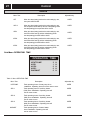
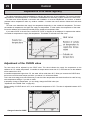
For you to know at a glance the actual operating mode of the heat pump,
one of the following symbols will be shown in the lower part of the display
depending on which part of the unit is working:
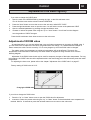
The heat pump is running.
Warm water is being produced.
The auxiliary heater is activated.
The figure next to the symbol indicates
capacity step.
Indicates the status of warm water
production. If the symbol is empty,
warm water temperature is 44°C.
There is a heating demand.
If the symbol is full, warm water
temperature is the start temp. + 4°C.