1
SLAP 2.0 Information System
User manual
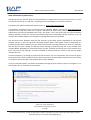
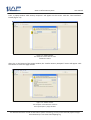
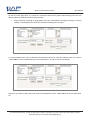
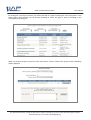
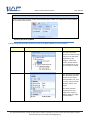
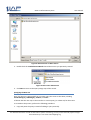
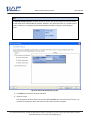
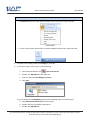
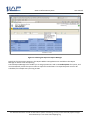
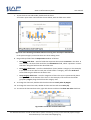
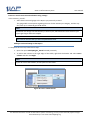
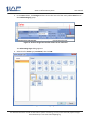
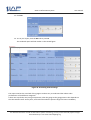
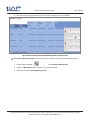
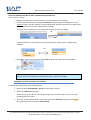
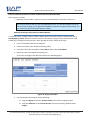
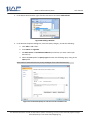
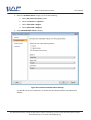
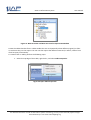
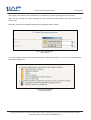
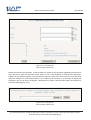
2. In the Report Data window, right-click the Data Source and select Add Dataset.
Figure 46: Adding a Dataset
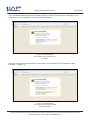
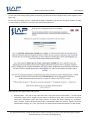
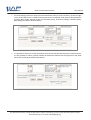
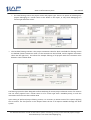
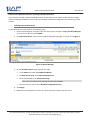
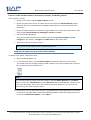
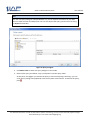
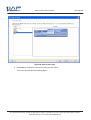
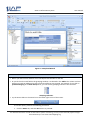
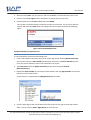
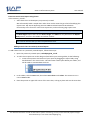
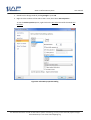
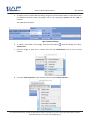
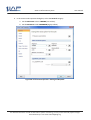
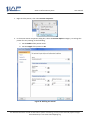
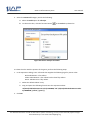
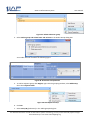
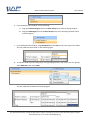
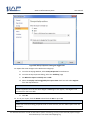
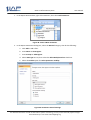
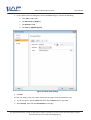
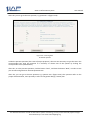
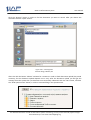
3. In the Dataset Properties dialog box, select the Query category, and do the following:
a. Click Add to add a filter.
b. Enter Name as regionlist.
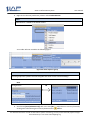
c. Set Data Source to LocalAdventureWorks (or whatever you have named your
datasource)
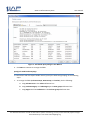
d. Select the Text option for Query Type and enter the following query string in the
Query field
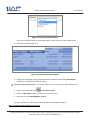
Select Distinct Sales.SalesTerritory.Group AS Region from sales.SalesTerritory
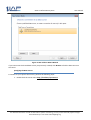
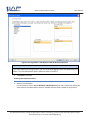
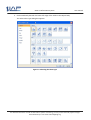
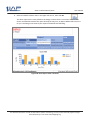
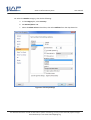
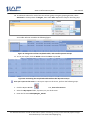
Figure 47: Create New Query To Use Source The Parameter List
For detailed information on SLAP 2.0 Information system functioning, you may contact the SLAP project manager
Darko Stalevski by e-mail: [email protected]