1
SLAP 2.0 Information System
User manual
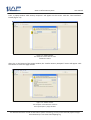
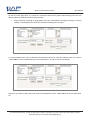
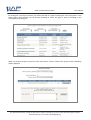
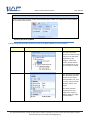
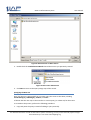
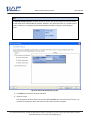
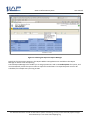
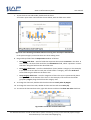
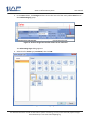
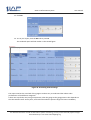
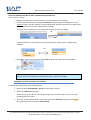
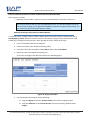
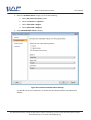
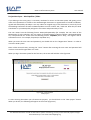
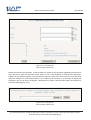
5. To adjust the size of the Tablix and Gauge, drag the row and column wider to view and to click
on individual elements within the gauge, such as the rectangular pointer and the scale of
numbers.
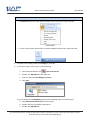
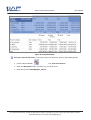
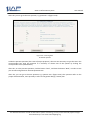
The Tablix looks as below.
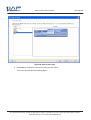
Figure 29: Resize Gauge
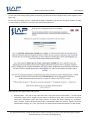
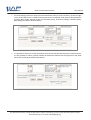
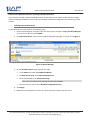
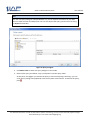
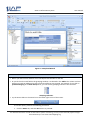
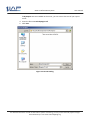
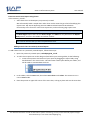
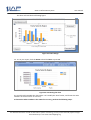
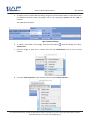
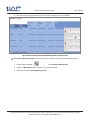
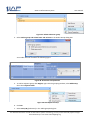
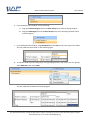
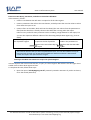
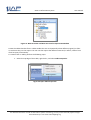
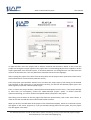
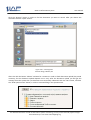
6. To add the Data field in the Guage, click the Field Selector
SalesAmount.
inside the Gauge and select
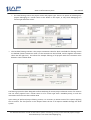
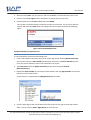
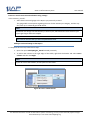
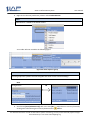
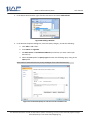
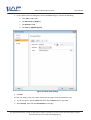
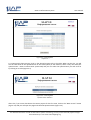
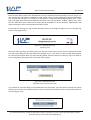
7. Click the Gauge so field area is visible, then click the LinearPointer area to see the field
selector.
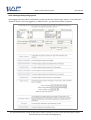
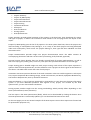
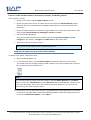
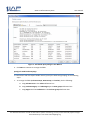
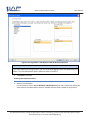
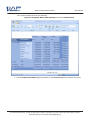
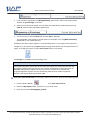
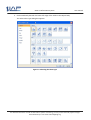
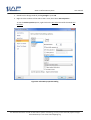
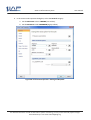
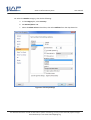
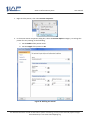
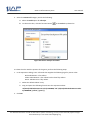
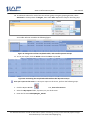
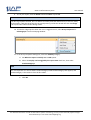
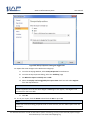
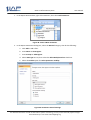
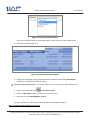
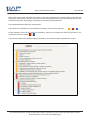
8. To set the Scale Properties, right-click the scale and select Scale Properties….
For detailed information on SLAP 2.0 Information system functioning, you may contact the SLAP project manager
Darko Stalevski by e-mail: [email protected]