1
Digital Projection M-Vision
Cine LED User Manual
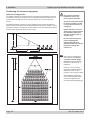
4. Controlling the projector
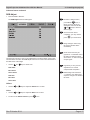
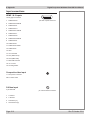
System menu continued
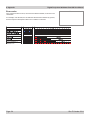
Notes
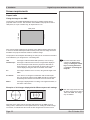
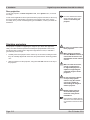
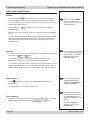
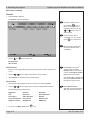
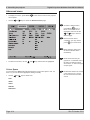
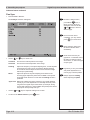
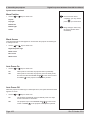
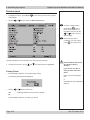
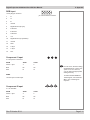
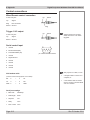
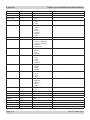
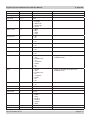
Rear Projection
• Use the
On
and
keys to select from:
Projected image is reversed, left to right
Off
On
and
press
up to three times.
Image changes made using
the menus will take effect
immediately.
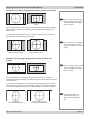
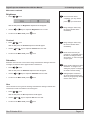
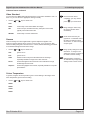
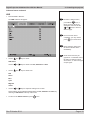
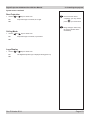
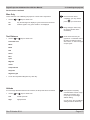
Ceiling Mode
• Use the
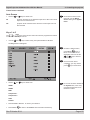
To exit from the menus
completely, you may need to
keys to select from:
Projected image is reversed, top to bottom
Off
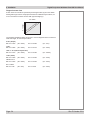
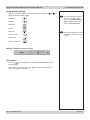
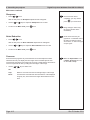
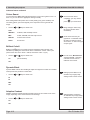
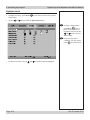
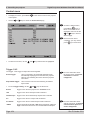
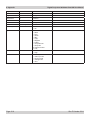
Logo Display
• Use the
On
and
keys to select from:
The Digital Projection logo is displayed during power up
Off
Rev E October 2014
Page 4.23