1
Digital Projection M-Vision
Cine LED User Manual
4. Controlling the projector
Main menu continued
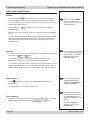
Notes
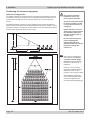
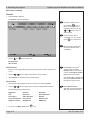
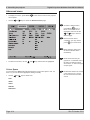
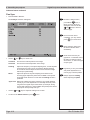
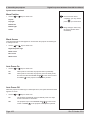
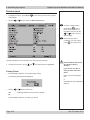
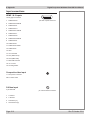
Input Select
• Press ENTER or SELECT.
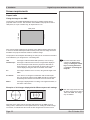
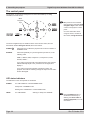
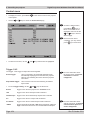
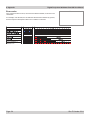
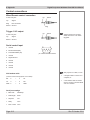
The Input select submenu will appear:
To select a different menu,
press MENU
once or
twice, so that no items are
highlighted, then use the the
and
keys to select a
different page.
To exit from the menus
completely, you may need to
press
up to three times.
Image changes made using
the menus will take effect
immediately.
Some menu items may be
greyed out - unavailable due to
the effect of settings made in
other menus, or due to the type
of input signal.
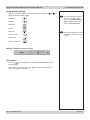
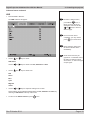
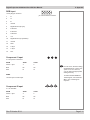
• Use the
and
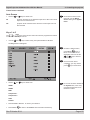
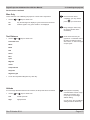
keys to select from:
HDMI 1
If you select a source that IS
connected and active, the
projector will automatically
adjust to the parameters of the
signal, and display it.
HDMI 2
RGB
Component 1
Component 2
Video
If you select a source that is
NOT connected or active, the
projector will continue searching
through the input sources until it
finds a valid signal, in this order.
HDMI 1, HDMI 2, RGB,
Component 1, Component 2,
Video, S‑Video, HDMI 1...
S-Video
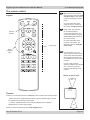
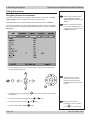
• Press ENTER or SELECT, to select a different input source.
• To return to the Main menu, press
once.
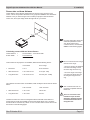
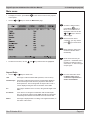
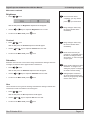
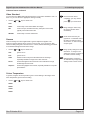
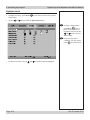
Resync
If the image has become unstable or degraded, it may be possible to improve the
display:
• Press ENTER or SELECT.
The projector will attempt to re-synchronise to the current input source.
Rev E October 2014
Page 4.13