1
Isi Net User Manual for Bank customers
Note: More about authorized user’s registration process is described in Chapter 2.8.1 Create
Authorized usrers.
As registered authorized user, once you are notified by an e-mail that your profile is already
activated, you have to follow the steps described below on your first log into IsiNet system:
•
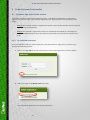
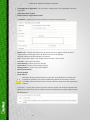
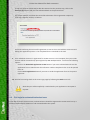
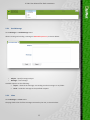
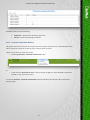
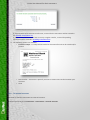
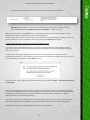
Change your initial temporary password:
Type your new password to be used for accessing the Isi Net system in the futurein the
Password field. Note that minimum password length is 6 digits.
Then retype the same string in the Retype password field to confirm.
•
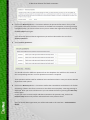
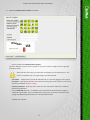
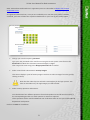
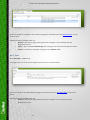
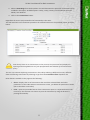
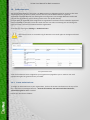
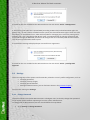
Select second-level authentication security images:
This section displays a pool of twenty images. You have to select 3 images from the grid (by
clicking on them).
Note that the order they are selected is meaningless for the login process. You
have to remember only the right images you had selected.
•
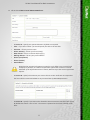
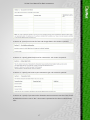
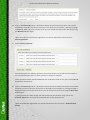
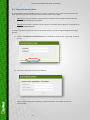
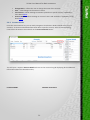
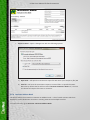
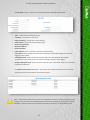
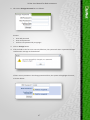
Select security questions and answers:
You should select four different questions from the dropdown list and fill out the answer in
the corresponding text box. For each question an answer is required.
These questions will be used for additional user verification when in case you contact NBV EB
department with queries.
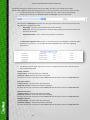
Click on the Save to record data.
21