1
Isi Net User Manual for Bank customers
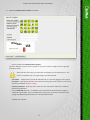
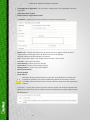
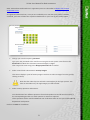
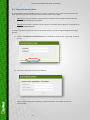
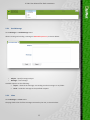
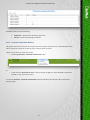
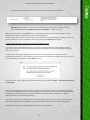
2. Fill out the Change Password form as follows:
Process:
• Enter old password
• Enter new password
• Confirm new password by re-typing it
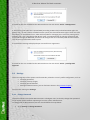
3. Click on Change button
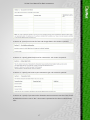
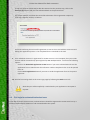
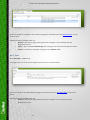
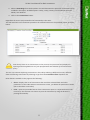
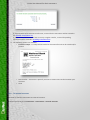
4. If all the fields in the form are correctly filled out, the system will return a password change
confirmation message as shown below:
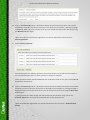
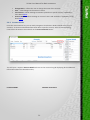
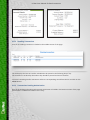
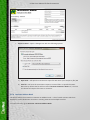
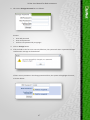
If there are any mistakes in the change password form, the system will highlight the errors,
as shown below:
47