1
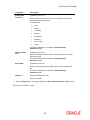
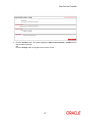
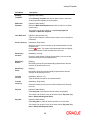
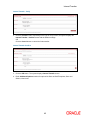
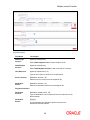
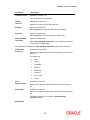
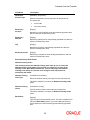
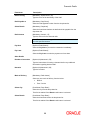
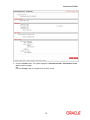
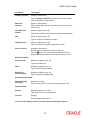
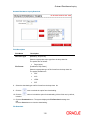
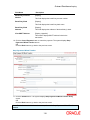
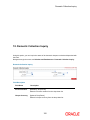
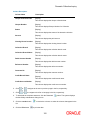
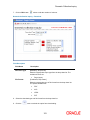
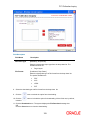
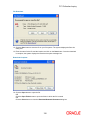
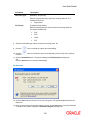
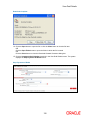
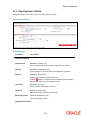
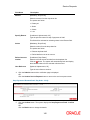
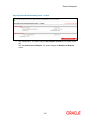
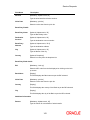
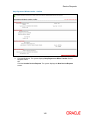
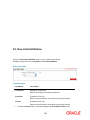
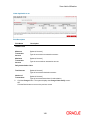
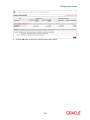
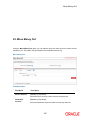
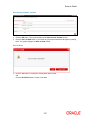
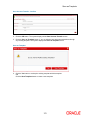
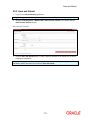
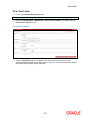
Inward Remittance Inquiry Field Description Field Name Description Download Type [Mandatory, Drop-Down] Select the appropriate report type from the drop-down list. The options are as follows: File Format Page Layout [Conditional, Drop-Down] Select the appropriate type of file format from the drop-down list. The options are as follows: PDF XLS HTML RTF 8. Select the download type and file format from the drop-down list. 9. Click the button to exclude the option from downloading. 10. Click the included. button to included the option for downloading. All the fields are, by default, 11. Click the Download button. The system displays the File Download message box. OR Click the Close button to close the downloading. File Download 12. Click the Save button to save the file on your file system. The system displays the Save As dialog box. 108