1
Formats
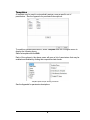
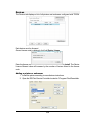
Card types (e.g. Mastercard, Visa, Visa EMV, etc.) are added in the Formats
menu.
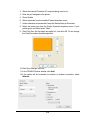
Card and mailer formats can also be edited in the Formats menu to customize
placement of text and pictures.
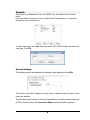
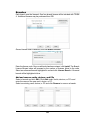
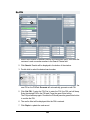
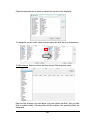
To add a card type, click Add. Enter the card’s ISO or BIN number and select the
card type. Click OK.
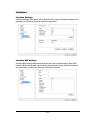
General Settings
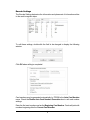
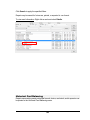
The following menus are displayed by selecting a card type and clicking Edit.
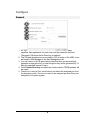
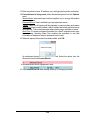
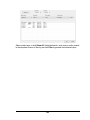
The branch’s core will be updated on every issue or reissue unless the above check
boxes are selected.
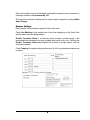
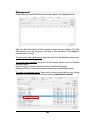
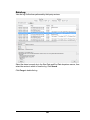
To make hard-copy records of all queued transactions, including ordered cards and
re-PINs, check the box in the Transaction Report section and select a printer.
6