1
Encode Settings
The Encode Settings determine the information and placement of information written
to the cards’ magnetic stripe.
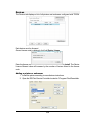
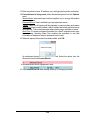
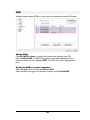
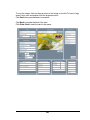
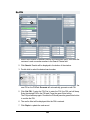
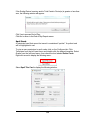
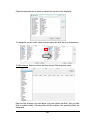
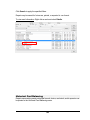
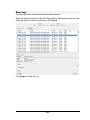
To edit these settings, double-click the field to be changed to display the following
window:
Click OK when editing is completed.
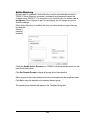
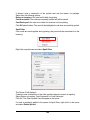
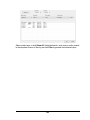
Card numbers may be generated automatically by TRISM in the Auto Card Number
menu. Check the Enable Auto Card Number Generation box to edit card number
settings.
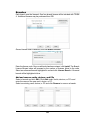
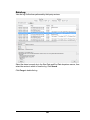
Enter the first card number used as the Beginning Card Number. Cards will print with
numbers beginning after the Current Card Number.
7