1
User Manual
CeCalWin Pro Software
Creating Test Groups
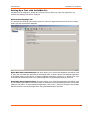
Multiple tests can be run in user-specified sequences by placing them into Test Groups. Subsequently,
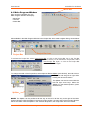
Groups of Tests can be looped (repeated).To create a Test Group, begin by selecting Defined Tests in
the Project Bar.
Defined Tests
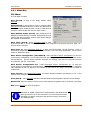
Next, select Insert Test from the Edit Menu.
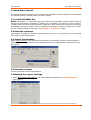
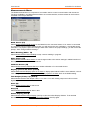
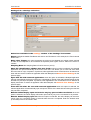
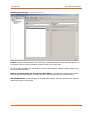
The Group settings will be active in the Project Window:
As shown above in the Project Bar, a New Group (named New Group 0) has been created.
© 2007 CORRSYS-DATRON Sensorsysteme GmbH, Wetzlar, Germany
D816-50-01-01E 06/07
43