1
Web Trading Terminal
2013
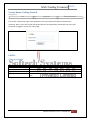
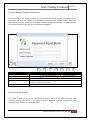
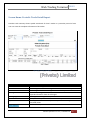
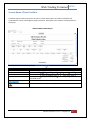
Screen Name: Place Order Selection
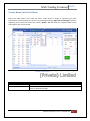
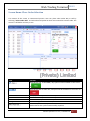
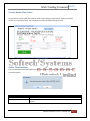
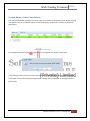
This section of the screen is transactional portion. User can place order either Buy or Sell by
selecting “Select Order Side” and select desired symbol in which user wanted to execute trade. The
section is self-define and easy to use.
Figure 10: Place Order Selection
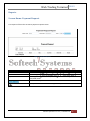
Field
Function
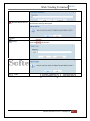
Select Order side. If select BUY , Buy option will be available on the screen
l
BID
Offer
Last
Change
as
Select Order Side: If select sell ,sell option will be available on the screen as
It displays the BID price of selected symbol
It shows the Offer price of selected Symbol
It shows the last price of selected symbol
It shoes change in % of selected symbol
Enter the symbol manually . User can if select either BUY ot SELL from
market watch than symbol automatically populate.
Softech Systems Pvt. Ltd. | Confidential
21