1
◦ OFF – turns off the temperature and returns back to cycling mode.
•
HUM – enters the settings menu for humidity.
◦ ON – humidity is not used presently, thus no changes will be made by this setting.
Returns back to the cycling mode.
◦ OFF – returns back to cycling mode.
•
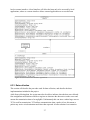
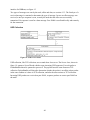
ID – shows the node id on the LCD display, can be seen in figure 26.
•
RESET – resets all the settings to default and returns back to cycling mode, although no
data will be shown until next sensor data is fetched by 1284P.
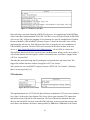
Should the node have contact with the server an antenna symbol will be turned on, which
indicates this. When the node is not in range to the server or if contact with the server is lost, the
antenna symbol will be turned off.
Should something be wrong with the communication between 1284P and the sensor, the cycling
mode will stop. Instead OFFLINE will be shown on the display, indicating that something
probably is wrong with the sensor communication.
58