1
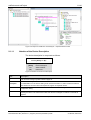
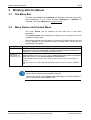
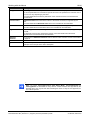
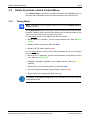
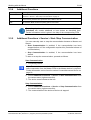
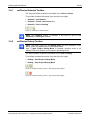
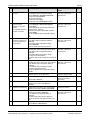
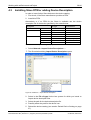
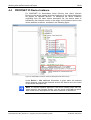
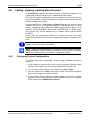
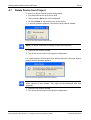
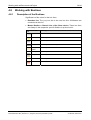
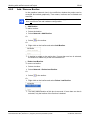
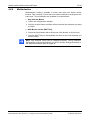
Working with the Menus 3.3.4 21/44 Additional Functions Menu Entry Meaning Service In the submenu Service you can start or stop the communication. Refer to section Additional Functions > Service > Start /Stop Communication on page 21. Export In the submenu Export the actual project data like project name, the fieldbus command structure and the device parameter are exported as CSV, DBM or XML file. Print The submenu Print contains the printing options of the DTM. Table 5: Additional Functions Depending by the software variant the context menu > Additional Functions can contain additional or less entries as described here. Further information to this is given in the help of the corresponding DTM. 3.3.5 Additional Functions > Service > Start /Stop Communication You can manually start or stop the communication between a Master and Slaves. Start Communication is enabled, if the communication has been stopped before or if the configuration requires this (Controlled release of communication). Stop Communication is enabled, if the communication has been started. To start or to stop the communication, proceed as follows: Start Communication 1. Connecting Device: Note: To start the communication of the device at the bus manually, an online connection from the Master DTM to the Master device is required. Further information can be found in section Connect/disconnect Device on page 39. 2. Select Additional Functions > Service > Start Communication from the context menu (right mouse click). The device communicates at the bus. Stop Communication 3. Select Additional Functions > Service > Stop Communication from the context menu (right mouse click). The communication of the device at the bus is stopped. netDevice and netProject | FDT Container DOC040401OI11EN | Revision 11 | English | 2013-09 | Released | Public © Hilscher, 2004-2013