1
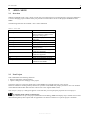
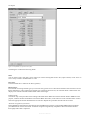
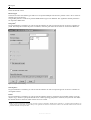
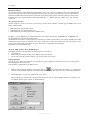
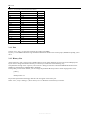
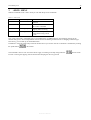
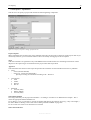
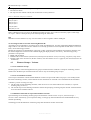
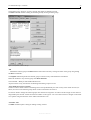
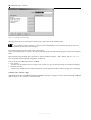
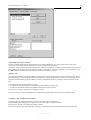
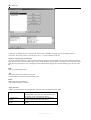
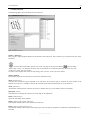
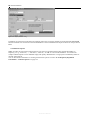
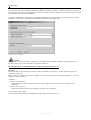
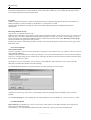
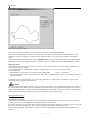
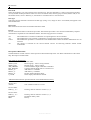
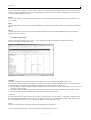
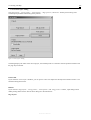
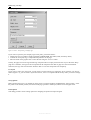
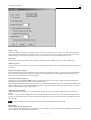
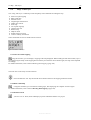
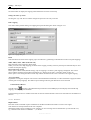
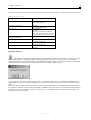
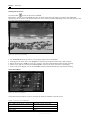
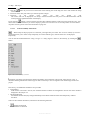
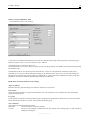
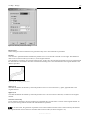
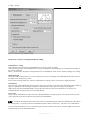
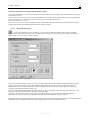
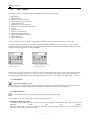
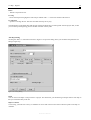
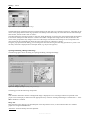
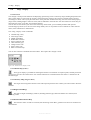
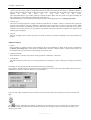
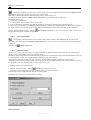
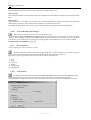
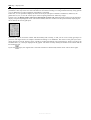
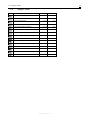
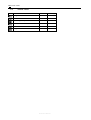
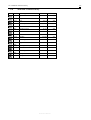
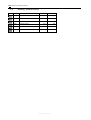
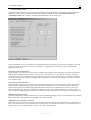
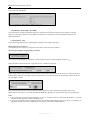
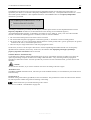
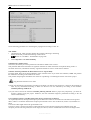
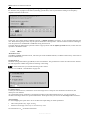
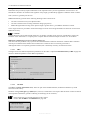
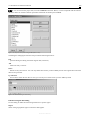
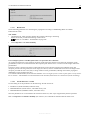
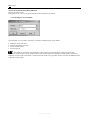
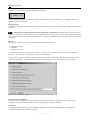
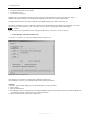
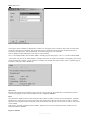
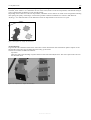
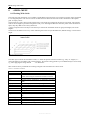
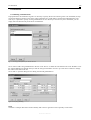
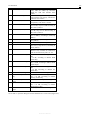
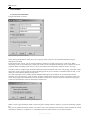
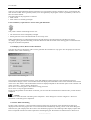
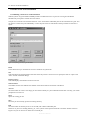
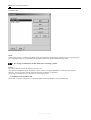
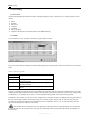
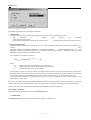
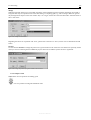
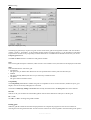
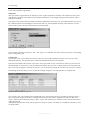
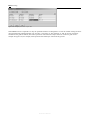
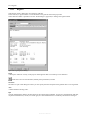
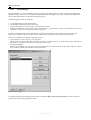
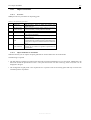
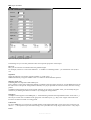
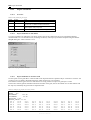
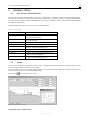
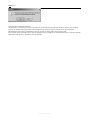
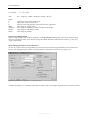
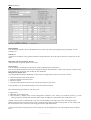
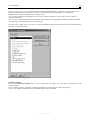
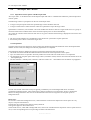
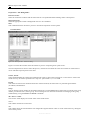
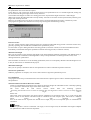
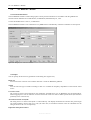
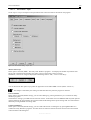
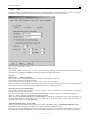
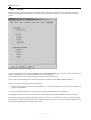
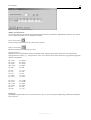
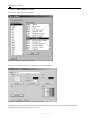
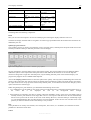
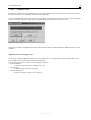
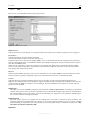
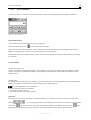
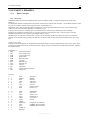
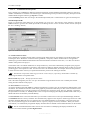
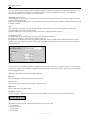
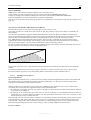
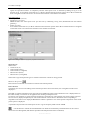
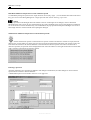
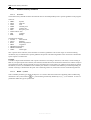
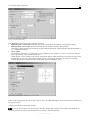
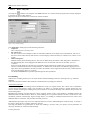
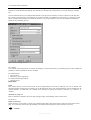
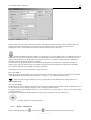
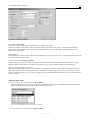
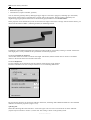
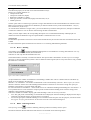
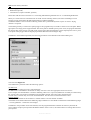
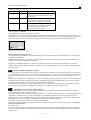
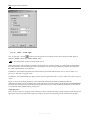
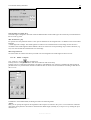
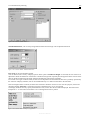
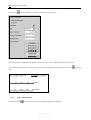
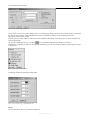
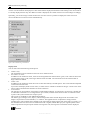
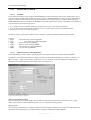
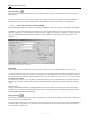
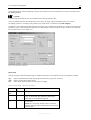
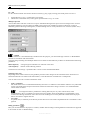
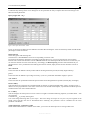
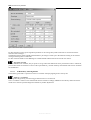
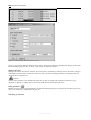
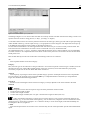
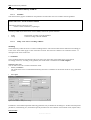
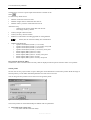
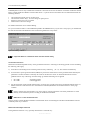
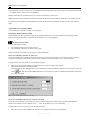
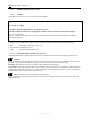
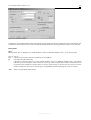
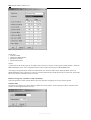
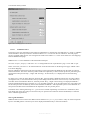
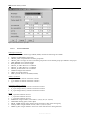
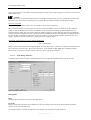
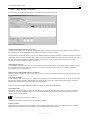
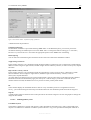
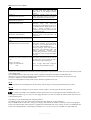
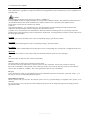
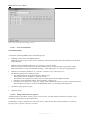
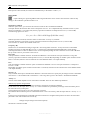
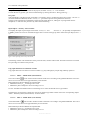
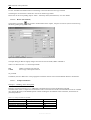
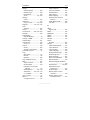
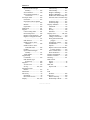
5.8 164Map – Install “Select Scale for Screen” Dialog The optimum scale is the one where the work area just takes up the entire space available on the screen. This value, which is always displayed for reasons of better clarity, is used whenever “optimum” is set. If you activate the “selectable” button, a drop-down list box for entering the scale is activated. You can enter the scale either directly as a numeric value or select it from a list of predefined values. Use scale in print-out Maps are always printed with a special scale which can be set in the <Map | Print | Print options> menu. The default setting is the optimum scale – in relation to the drawing area. If you check the “Use scale in print-out” checkbox and select a defined scale, this scale is also used for printing the map. If this checkbox is unchecked, the scale previously defined for printing is used. 5.8.2 Go To ... This command can be used only if the set scale exceeds the optimum scale and the scroll bars for moving the map detail are visible. It is not active if the zoom tool was used to create a clipping. Enter the coordinates of the desired point in the dialog and move the map clipping such that the desired point appears in the lower left-hand corner. The “Go to” command is one of the older IMMI commands. Today, there are alternatives for similar tasks, which might also be helpful: “Element search” function in the upper part of the tool box (see page 113) List of plan clippings Option of moving the map with the ALT key and the mouse, if the “Element editor” is active, i.e. if the activated in the design or digitise mode. in the upper part of the tool box (see page 117) 5.8.3 Open Background Image This function defines the representation of one or more background images for the map. A background image is a pixel graphic placed in the background of the map or the grid. The graphic must be saved in one of the many formats supported by IMMI. Table 5.1 Graphic formats imported by IMMI Name of graphic format Windows and OS/2 bitmap (as before) JPG compressed JPEG compressed TIFF without LZW compression AFP format Computer Graphics Metafile DGN Dr. Halo Drawing Exchange Format DWF format DWG format Encapsulated PostScript ESRI Shape Format Exif digital camera formats Exif digital camera formats Flic Animation Gerber format File extension *.BMP *.JPG *.JPEG *.TIF *.AFP *.CGM *.DGN *.CUT *.DXF *.DWF *.DWG *.EPS *.SHP *.TIFF *.JPG *.FLC, *.FLI *.GBR Reference Manual button is