1
8.7
252Processing
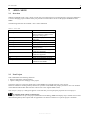
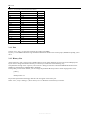
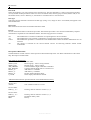
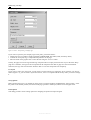
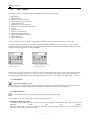
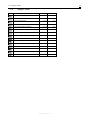
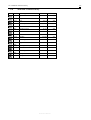
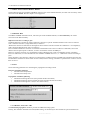
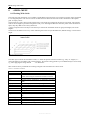
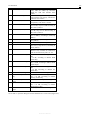
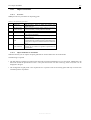
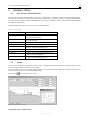
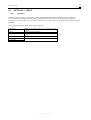
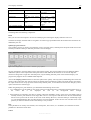
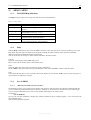
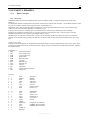
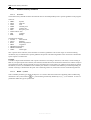
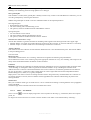
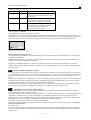
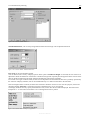
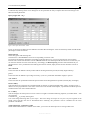
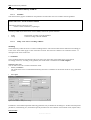
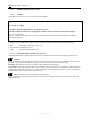
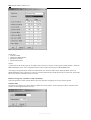
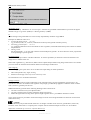
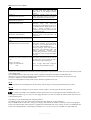
Table 8.4: Operations for editing grids
Set to 0
Set to “not calculated”
Set to constant
Fill in empty values
Fill in areas
Add extra charge
Multiply with factor
Replace values
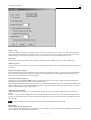
All grid values are set to 0.
All grid values are set to “not calculated”, i.e.
they will be assigned the specially provided
value –99.
All grid values are set to a user-defined constant
value.
All grid values that are not set to “not
calculated” (internally: -99) are set to a userdefined constant value.
All calculated grid values within a land-use zone
are set to a constant value.
A constant value is added to all calculated grid
values.
All calculated grid values are multiplied with a
factor (e.g. in the case of pollutant calculations).
All grid values within an interval are set to a
constant value.
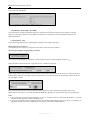
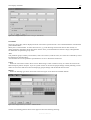
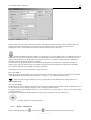
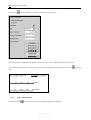
Save
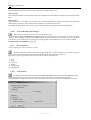
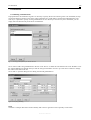
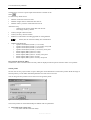
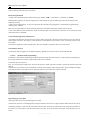
Click the Save button to open a file dialog box to save the edited grid to the hard drive or to a floppy disc. This function
is only available, if the status of the grid is “Calculated”.
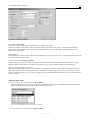
Additional functions
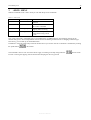
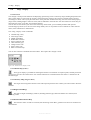
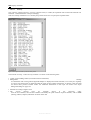
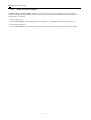
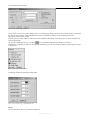
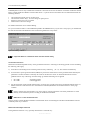
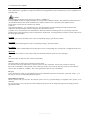
The three buttons on the right side of the dialog box offer additional interesting functions:
Info, Modify and Position.
These buttons are also available in the dialog boxes for evaluating and comparing grids.
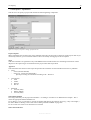
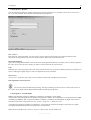
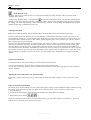
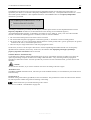
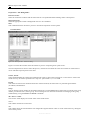
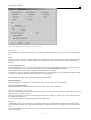
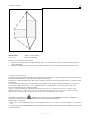
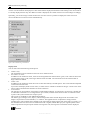
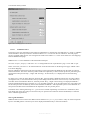
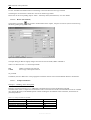
Info
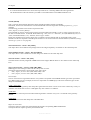
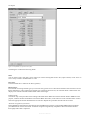
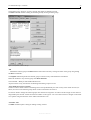
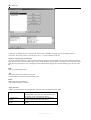
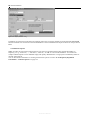
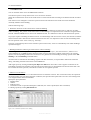
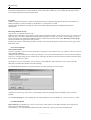
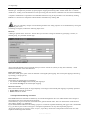
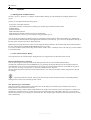
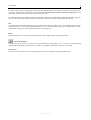
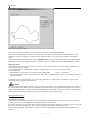
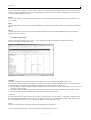
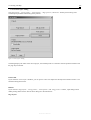
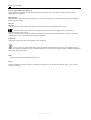
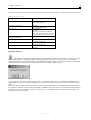
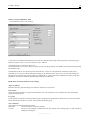
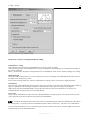
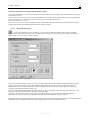
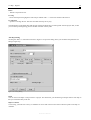
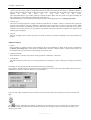
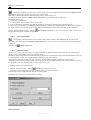
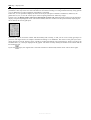
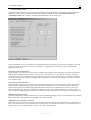
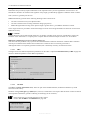
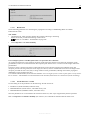
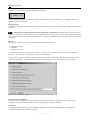
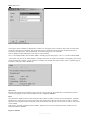
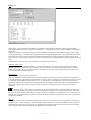
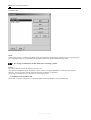
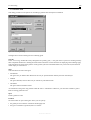
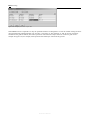
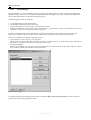
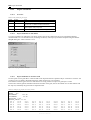
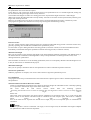
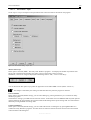
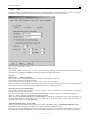
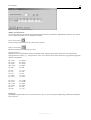
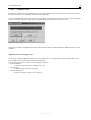
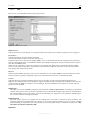
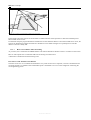
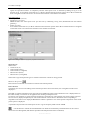
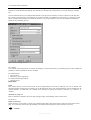
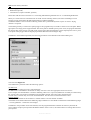
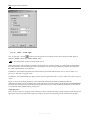
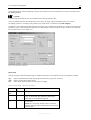
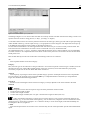
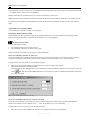
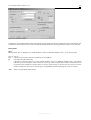
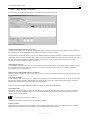
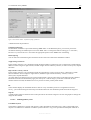
„Info“ shows the properties of the grid (see graphic), e.g.
headers, project file, status, calculated time and date, required calculation time, variant, size of grid and the relative
height in relation to the terrain height.
Figure 8.18: Displaying the grid properties
Reference Manual