1
2.11
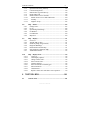
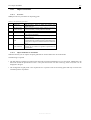
44 Exit
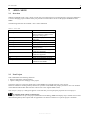
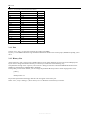
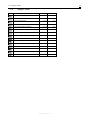
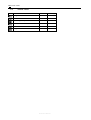
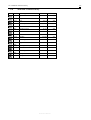
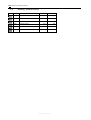
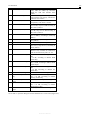
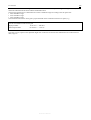
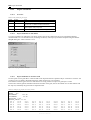
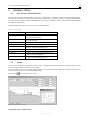
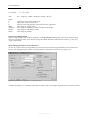
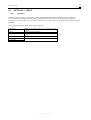
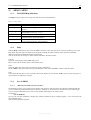
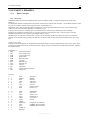
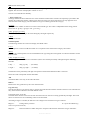
Table 2.2: Version numbers and internal version numbers
Version Number
4.050
4.054
5.00
5.011
5.020
5.021
5.030
5.040
5.041
5.043a
5.046c
5.1.1
5.1.3
5.1.3e
5.1.5a
5.1.5h
5.1.5i
Internal Version Number
[117]
[129]
[132]
[138]
[150]
[151]
[168]
[182]
[185]
[196]
[203]
[206]
[206]
[211]
[213]
[222]
[223]
Date
1998-11
1999-06
1999-07
1999-12
2000-03
2000-04
2000-12
2001-07
2001-09
2002-03
2002-06
2002-07
2003-08
2002-12
2003-02
2003-06
2003-07
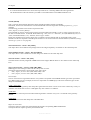
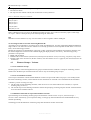
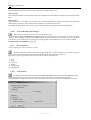
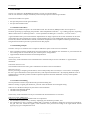
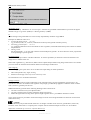
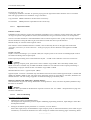
2.11 Exit
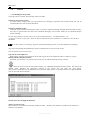
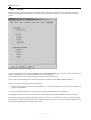
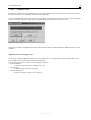
Choose <File | Exit > to close the current project and to exit IMMI.
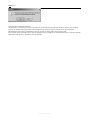
If you try to exit IMMI without having saved the modifications made to the current project, IMMI will prompt you to
do so.
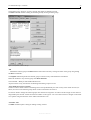
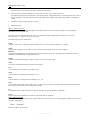
2.12 History List
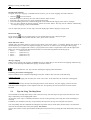
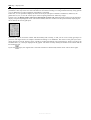
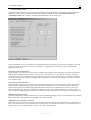
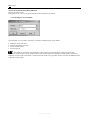
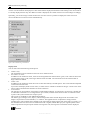
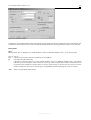
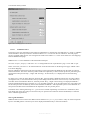
At the end of the <File> menu we have added a history list for quick and direct access to the 8 last edited projects.
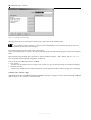
If you want to change the number of history list entries you can do this in the following way:
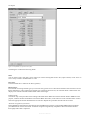
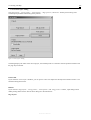
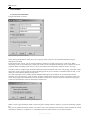
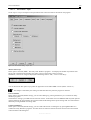
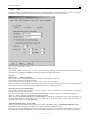
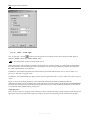
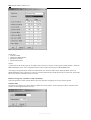
The parameter settings of the <Options | Environment> dialog are stored in a file named IWIN.INI located in the
Windows system directory \WINDOWS or \WINNT.
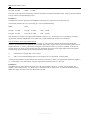
In the [Other] section of the INI-file you can change the parameter HistoryCount to values ranging from 0 to 25.
[Other]
...
HistoryCount=12
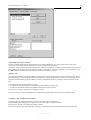
Project files opened from the floppy disk drive do not appear in the history list.
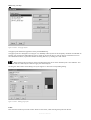
Select <File | Project Manager | Delete history list> to delete the current history list entries.
Reference Manual