1
13.10
456 Element library SRM II
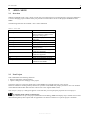
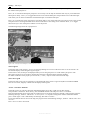
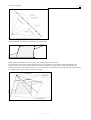
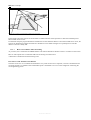
Positioning the Sound Source
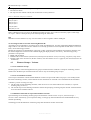
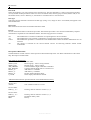
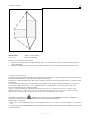
The software automatically positions the source – following the definition of the driving lane in RMW – 0.75 m above
the defined road axis.
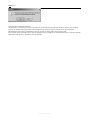
Caution.
The automatic adjustment described here is available as of IMMI version 5.2.
The program will notify you about the changeover when older projects are
loaded and you can choose to set the automatic offset to 0 provided it is
already contained in the element coordinates.
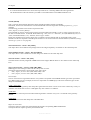
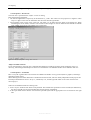
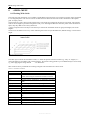
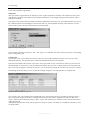
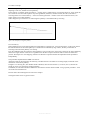
Calculation in Octaves
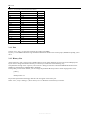
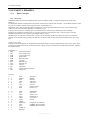
The emission and propagation is calculated frequency dependent in octaves between 63 Hz and 8000 Hz.
13.10.4
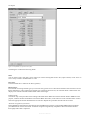
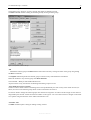
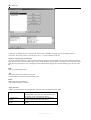
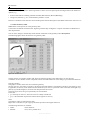
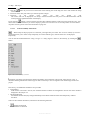
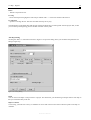
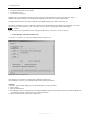
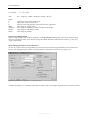
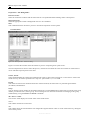
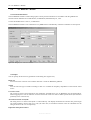
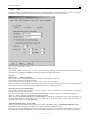
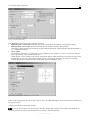
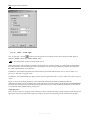
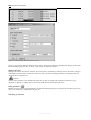
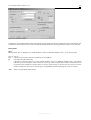
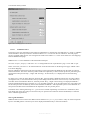
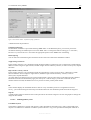
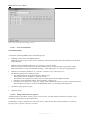
„Element STRt“ Input Dialog
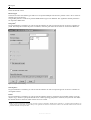
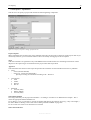
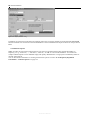
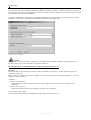
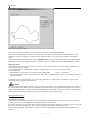
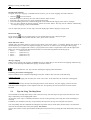
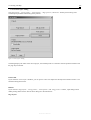
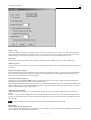
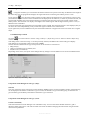
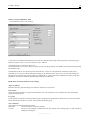
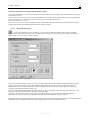
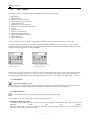
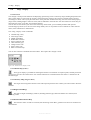
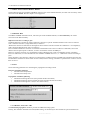
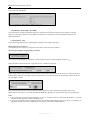
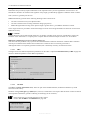
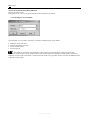
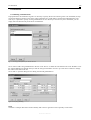
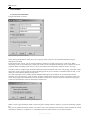
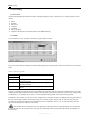
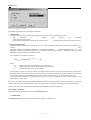
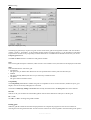
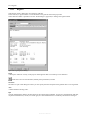
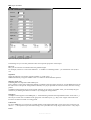
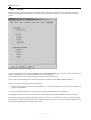
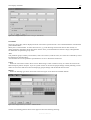
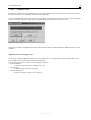
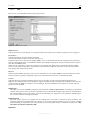
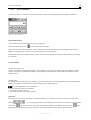
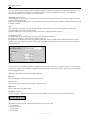
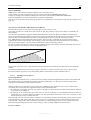
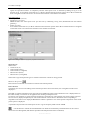
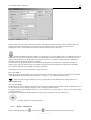
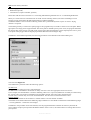
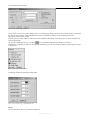
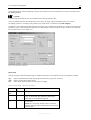
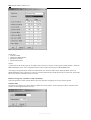
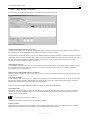
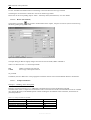
In addition to the familiar standard input fields located on the left side of the window, the input dialog for the road
element also contains input fields for the definition of the road gradient.
On the left side of the window:
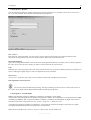
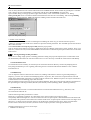
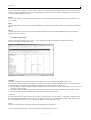
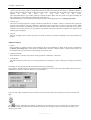
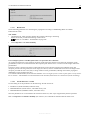
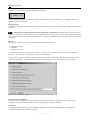
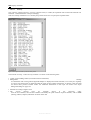
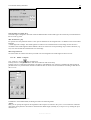
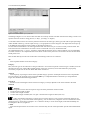
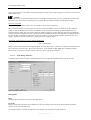
Normally the gradient and the extra charge for the gradient are calculated directly based on the z-coordinates of the
element. In this case every road section may possibly have a different gradient. To view a list with the individual values
click on the button labeled [...].
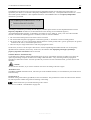
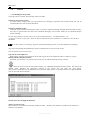
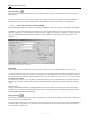
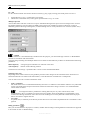
Alternatively you can also switch the input mode to “user input” and define a valid overall mean gradient for the
element as a whole.
In any case, the input field Ch(max) or Ch contains the calculated gradient extra charge. It is not possible to enter values
here.
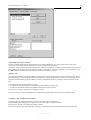
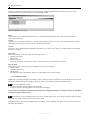
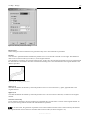
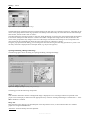
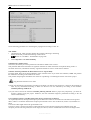
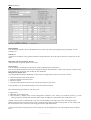
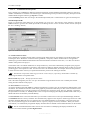
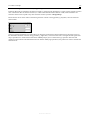
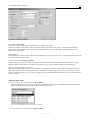
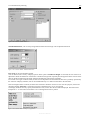
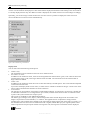
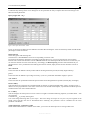
On the right side, the input dialog displays the emission values for the rating periods day, night, etc. as calculated based
on the given input parameters.
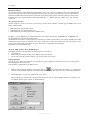
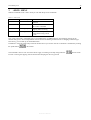
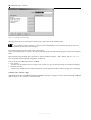
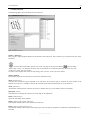
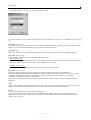
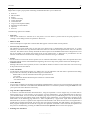
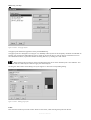
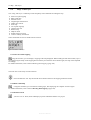
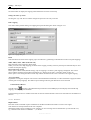
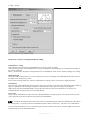
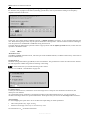
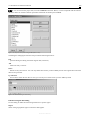
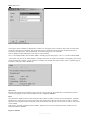
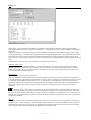
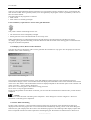
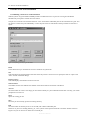
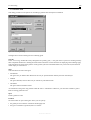
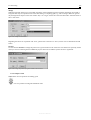
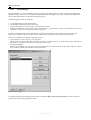
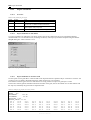
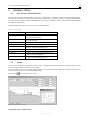
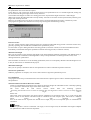
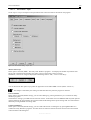
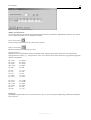
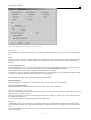
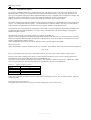
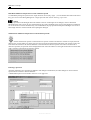
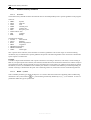
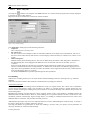
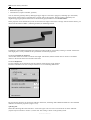
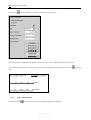
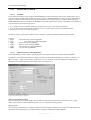
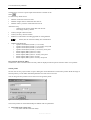
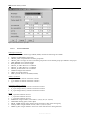
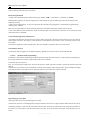
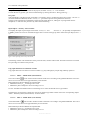
Click
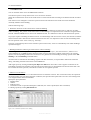
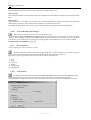
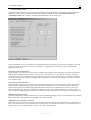
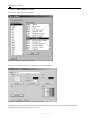
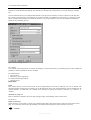
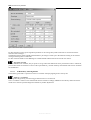
to open the dialog for the definition of traffic parameters. (Figure 13.92).
Reference Manual