1
5.6 Map – Design
141
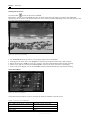
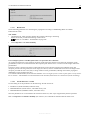
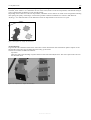
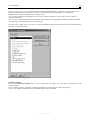
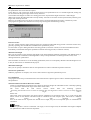
For a detailed description of this command, please refer to the description of the reception point element on page 384.
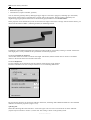
Macros | Generate Kilometre Ticks
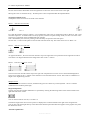
... writes kilometre ticks to line elements.
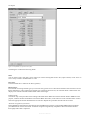
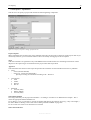
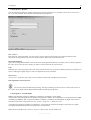
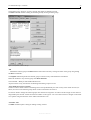
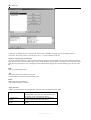
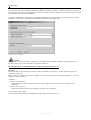
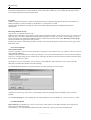
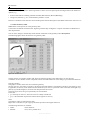
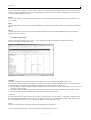
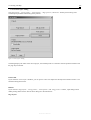
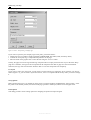
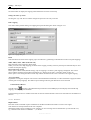
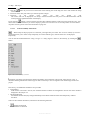
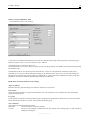
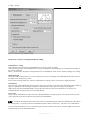
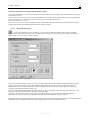
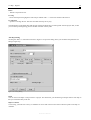
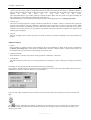
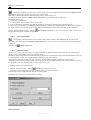
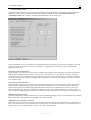
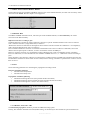
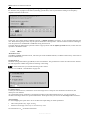
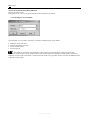
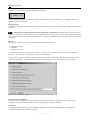
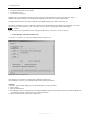
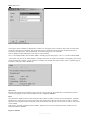
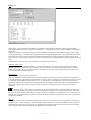
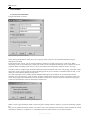
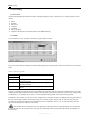
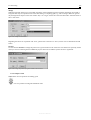
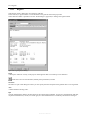
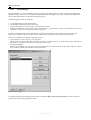
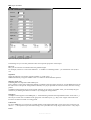
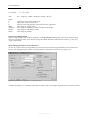
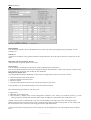
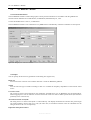
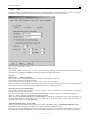
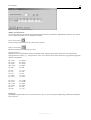
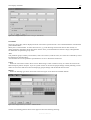
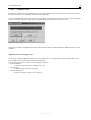
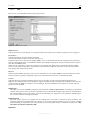
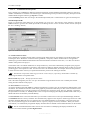
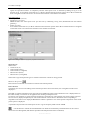
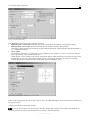
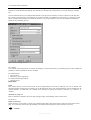
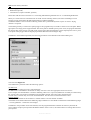
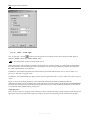
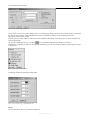
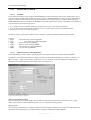
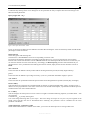
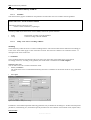
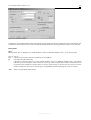
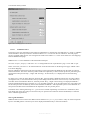
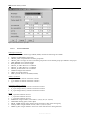
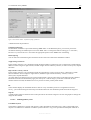
Figure 5.34: Generate kilometre ticks Dialog
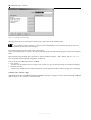
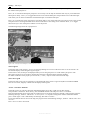
To provide a line element with kilometre ticks, select the element from the map. Then right-click to open the pop-up
menu and call the “Macros | Generate kilometre ticks” function.
The dialog window is shown in Figure 5.34.
Various parameters are set there, which are taken as a basis for the generation of a number of text elements representing
the kilometre ticks.
The kilometre ticks do not represent specific elements but a “recipe” for the generation of elements. These play a
particular role if you wish to make subsequent changes to the kilometre ticks. In this case, you can either change the
appropriate text elements (this mostly being too complicated) or you should call the command once again using other
parameters (with the text elements generated before having to be deleted).
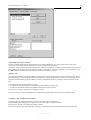
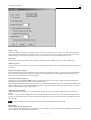
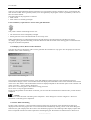
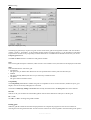
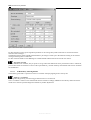
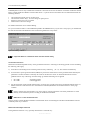
Fields of the “Generate Kilometre Ticks” Dialog
Align on elements
Kilometre ticks are generated along a line element, which has to be selected.
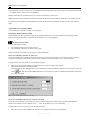
Presentation
Select the display attributes to represent the kilometre ticks. The “kilometre ticks” attributes have been specifically
prepared for this purpose.
Use group
If you check this checkbox, the same element group is assigned to the generated text elements as is to the line element.
If you uncheck the checkbox, you must select the desired element group.
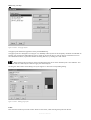
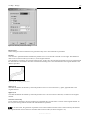
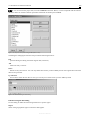
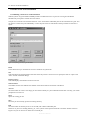
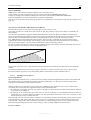
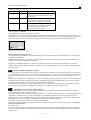
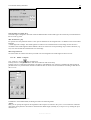
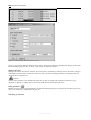
Text orientation
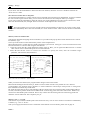
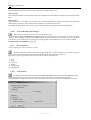
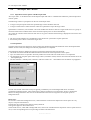
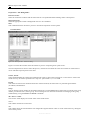
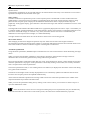
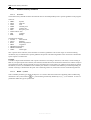
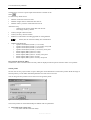
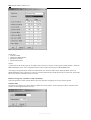
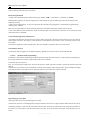
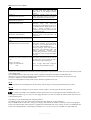
This list box provides the following options:
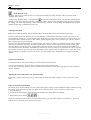
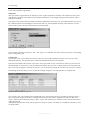
Horizontal
The text is always written horizontally.
0° or 90°
The text is first aligned in parallel with the line element. The resulting angle is then rounded to
multiples of 90 degrees.
Reference Manual