1
WESII User Manual
Step 4:
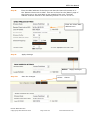
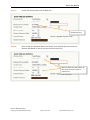
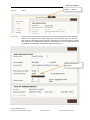
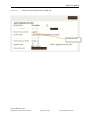
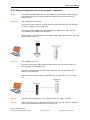
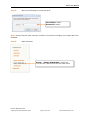
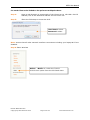
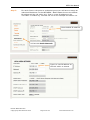
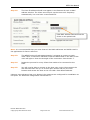
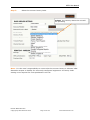
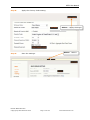
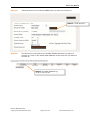
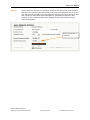
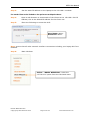
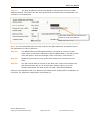
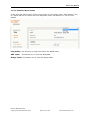
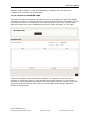
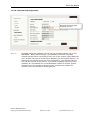
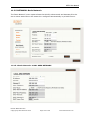
Once an image has been selected, select the <Upload> button. It will take
approximately 20 seconds to upload and render the background image.
Step 5:
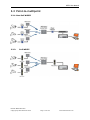
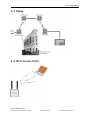
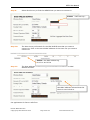
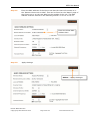
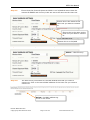
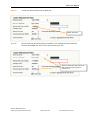
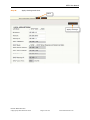
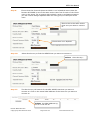
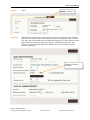
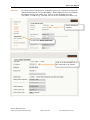
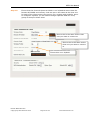
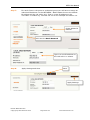
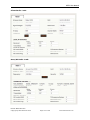
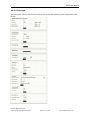
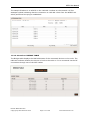
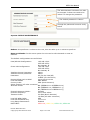
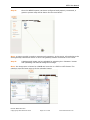
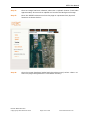
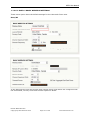
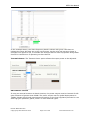
Move the WESII nodes around on the page to represent their physical
locations as shown below:
Step 6:
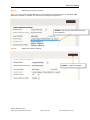
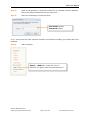
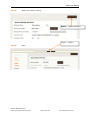
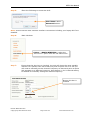
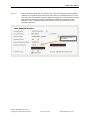
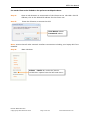
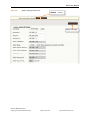
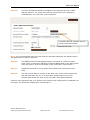
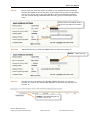
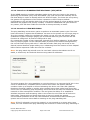
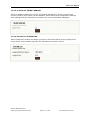
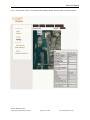
Once the image has been loaded and the nodes moved, select <Save> to
store the page configurations in nonvolatile memory.
Manual-WESII-Rev1403
Copyright © KBC Networks 2014
Page 122 of 140
www.kbcnetworks.com