1
WESII User Manual
11.2.2.6 Services: SNMP SET UP
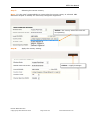
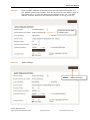
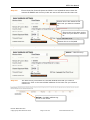
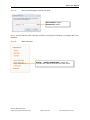
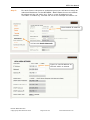
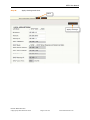
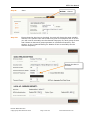
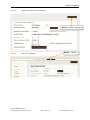
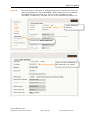
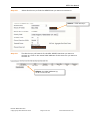
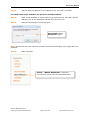
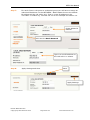
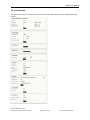
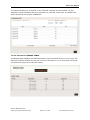
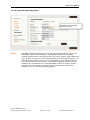
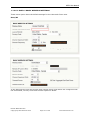
The system is compatible with SNMP version 2. This menu option allows you to set up
the SNMP instructions so that the WESII unit can communicate with externally supplied
SNMP devices.
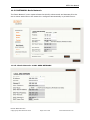
11.2.2.7 Services: NTP SETUP
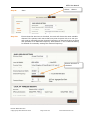
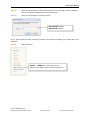
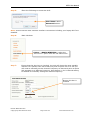
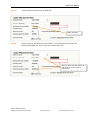
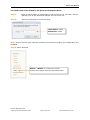
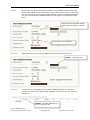
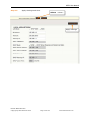
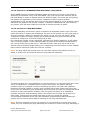
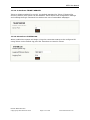
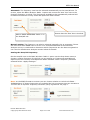
This menu option is used to set the system to Network Time Protocol which allows
synchronization over a network. The node must be connected to the internet for the NTP
set up to take place. Each node connected via the WESII link can also be set to the same
NTP by using the identical NTP server and gateway IP.
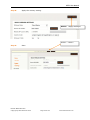
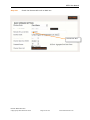
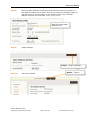
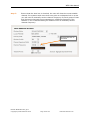
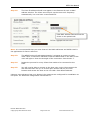
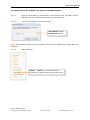
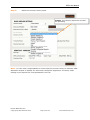
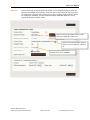
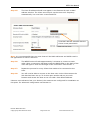
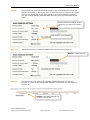
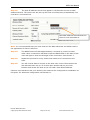
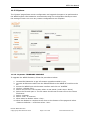
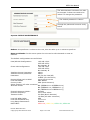
Select the time zone of the node deployment and check the ‘Known Time Server’ box.
Ensure that all the nodes connected are using the same Known Time Server. Select
<Apply> and <Save> to initiate the NTP set up.
Manual-WESII-Rev1403
Copyright © KBC Networks 2014
Page 112 of 140
www.kbcnetworks.com