1
WESII User Manual
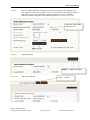
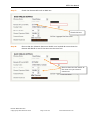
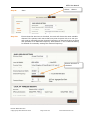
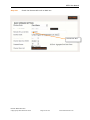
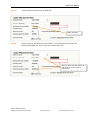
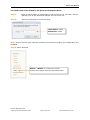
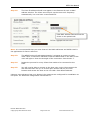
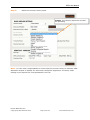
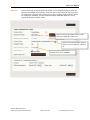
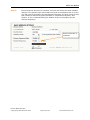
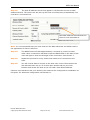
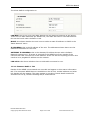
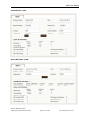
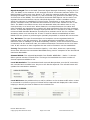
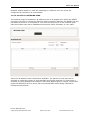
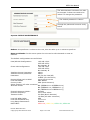
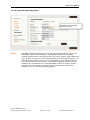
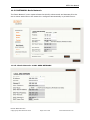
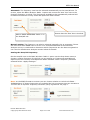
LAN Mode: This can be set to either DHCP (Dynamic Host Configuration Protocol) or
Static to allow the LAN IP, subnet mask and Gateway IP to be set as either static IPs on
the network or configured automatically.
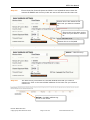
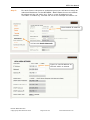
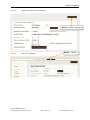
If Static is selected enter the LAN IP, Netmask and Gateway IP using an available IP on
the network. KBC Networks recommends obtaining valid unused IPs from the network
administrator if the units will reside on the network. The WESII units can connect
independently from the network structure and are not required to be configured as static
IPs within the network subnet.
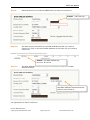
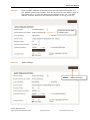
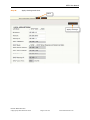
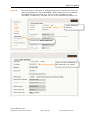
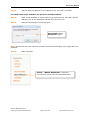
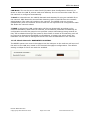
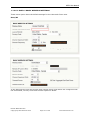
If DHCP is selected the LAN configuration will be set dynamically according to the
network availability. When DHCP is selected, the IP Address, Netmask and Gateway IP
configuration area will be grayed out to prohibit custom LAN settings being entered as
they will be obtained through the network. Once DHCP is saved an IP searching tool will
be required to determine the WESII unit IP address. A locator tool which shows the
Hostname can be used to distinguish the IP from other IP addresses on the network.
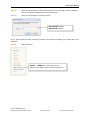
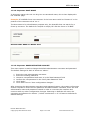
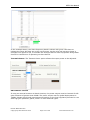
11.2.5.2 Basic Network: BANDWIDTH CONTROL
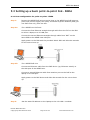
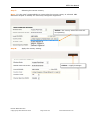
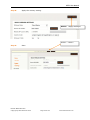
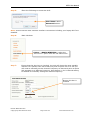
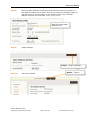
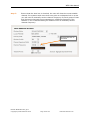
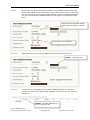
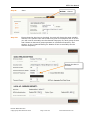
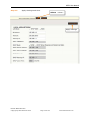
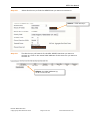
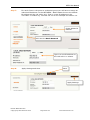
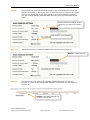
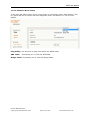
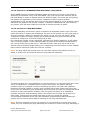
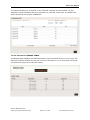
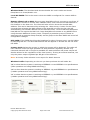
The WESII system can control throughput into the LAN port to the radio as well as out of
the radio to the LAN port, based on the desired throughput configurations. The default
setting is 1Mbps for each unit with this enabled.
Manual-WESII-Rev1403
Copyright © KBC Networks 2014
Page 125 of 140
www.kbcnetworks.com