1
Maximailer Plus
User Manual
5.7 The Users Screen
Note: This screen will only be available to personnel with Supervisor access.
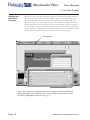
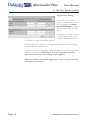
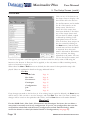
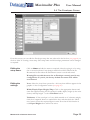
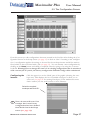
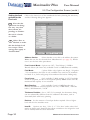
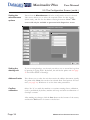
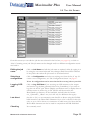
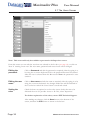
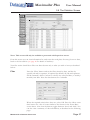
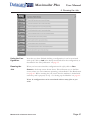
From this screen you can edit the user that was selected in the list box (see page 18), or click on
‘New’ if creating a new user. The user name, password and access levels can be changed.
Editing the
password.
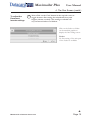
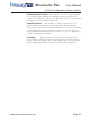
Click on Password and edit the password as required, either by typing it or
by using the on-screen keyboard. This is the password that must be entered
when the user is selected from the Run screen. Note: the password is casesensitive
Editing the user
name.
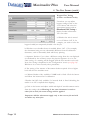
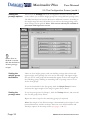
Click on User name and edit the name as required, either by typing it or by
using the on-screen keyboard. Any changes made here will be reflected in
the User list box when the Users screen is saved and exited.
Setting the
roles
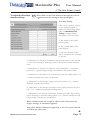
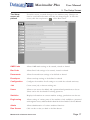
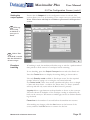
Check the boxes as required to set the roles (access levels) that are to be
allocated the user. To provide access to all roles, select ‘Superuser’.
For further explanation of the roles, contact PFE Technical Support.
After making any changes, click the Save button at the bottom of the
screen, and then the Exit button to return to the list box.
Page 36
MAXIMAILER PLUS OPERATING INSTRUCTIONS