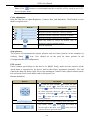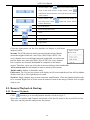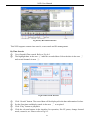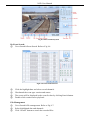
1
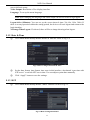
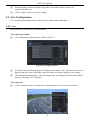
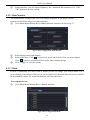
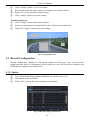
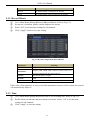
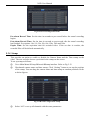
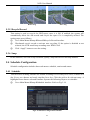
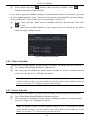
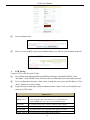
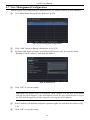
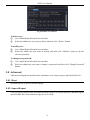
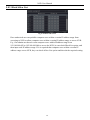
NVR User Manual Fig 5-12 Record Configuration-Time Pre-alarm Record Time: Set the time in seconds to pre-record before the actual recording begins. Post-alarm Record Time: Set the time in seconds to post-record after the actual recording has finished, five options: 10s, 15s, 20s, 30s, 60s, 120s, 180s and 300s. Expire Time: Set the expiration time for recorded video. If the set date is overdue, the recorded files will be deleted automatically. 5.3.4 Stamp This provides an option to enable or disable the Camera Name and the Time stamp on the video. The user can also choose a position for the stamp on the screen. To set up stamp as follows: ① Go to Main Menu SetupRecordStamp interface. Refer to Fig 5-13. ② Checkmark camera name and time stamp. Click “Setting” button to set up the position of the stamp. You can drag the camera name and time stamp at random positions. Refer to below figures. Fig 5-13 Record Configuration-Stamp ③ Select “All” to set up all channels with the same parameters. 22