1
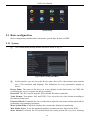
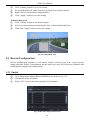
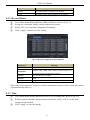
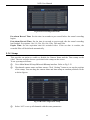
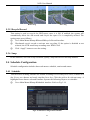
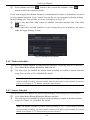
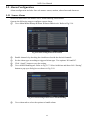
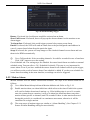
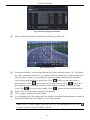
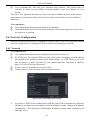
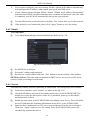
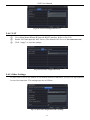
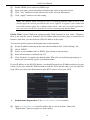
NVR User Manual 5.5 Alarm Configuration Alarm configuration includes four sub menus: sensor, motion, other alarm and alarm out. 5.5.1 Sensor Alarm Sensor includes three sub menus: basic, alarm handling and schedule. Operate the following steps to configure sensor alarm: ① Go to Main MenuSetupAlarm SensorBasic tab. Refer to Fig 5-16. Fig 5-16 Alarm Configuration-Sensor-Basic ② ③ ④ ⑤ Enable channels by checking the checkboxes beside the desired channels. Set the alarm type according to triggered alarm type. Two options: NO and NC. Click “Apply” button to save the setting. Go to Alarm Handling tab. Refer to Fig 5-17. Select hold time and then click “Setting” button to pop up a dialog box as shown in Fig 5-18. Fig 5-17 Alarm Configuration-Sensor-Alarm Handling ⑥ Go to alarm tab to select the options to handle alarm. 25