1
Campus-Wide Budgeting System
User Guide
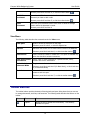
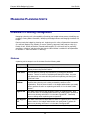
Shortcut: press Alt+E and then K, or click the toolbar button (
)
Opens the Add/Edit Document window from which to select the
document you want to add or edit.
Add/Edit
Document
Shortcut: press Alt+E and then E, or click the toolbar button (
)
Opens the Open Document window from which to select the storage
location where the document is saved.
Open
Document
Shortcut: press Alt+E and then A
View Menu
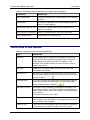
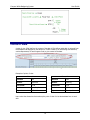
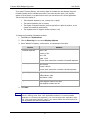
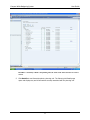
The following table describes the commands under the View menu.
View pane
Hides or shows the view pane on the page.
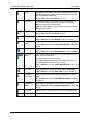
Shortcut: press Ctrl+Alt+1, or click the adjuster bar
Refreshes the current view to reflect what is stored in the database.
Refresh
Shortcut: press Alt+V and then R, or click the toolbar button (
)
Instructions
Views instructions related to a data form. This option is available only
when the data form contains instructions.
View and Account
Annotations
Enters, edits or views comments for a specific account, entity,
scenario and version combination.
Basic Mode /
Advanced Mode
Toggles the view for tasks between basic and advanced modes.
Task List
Views task lists to which you have access, views task status, and
creates a task list report.
Shortcut: press Alt+V and then B (for Basic Mode), or Alt+V and then
V (for Advanced Mode)
Shortcut: press Alt+V and then T, or click the toolbar button (
)
Toolbar Buttons
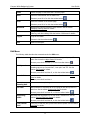
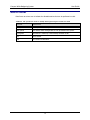
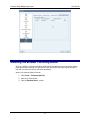
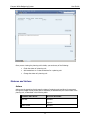
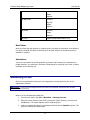
The toolbar buttons provide shortcuts to Planning tasks and open dialog boxes that you can use
to manage documents, task lists, and favourites. The following table describes the buttons on the
toolbar.
BUTTON
TOOLTIP
DESCRIPTION
Explore
Allows the user to access the root directory. This directory
includes the reports.
16