1
2.
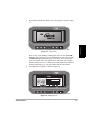
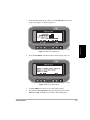
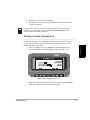
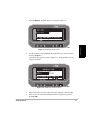
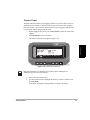
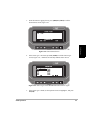
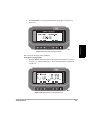
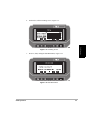
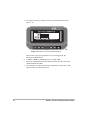
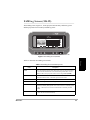
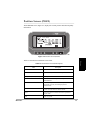
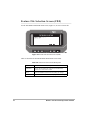
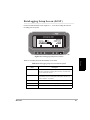
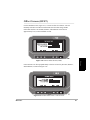
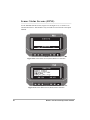
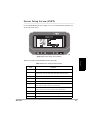
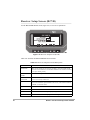
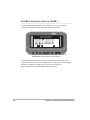
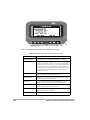
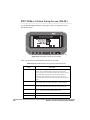
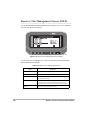
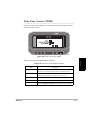
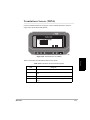
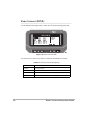
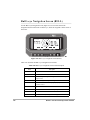
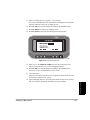
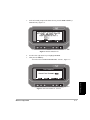
Press F1(WYPT). The Waypoint Navigation screen appears, as shown in
Figure 3.27.
Field Operation
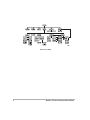
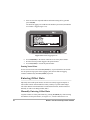
Figure 3.27: Waypoint Navigation Screen
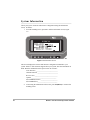
This screen lists the target point coordinates.
To navigate to a target point:
1.
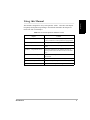
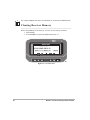
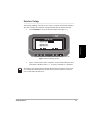
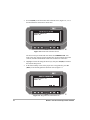
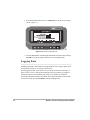
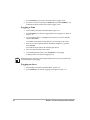
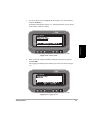
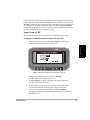
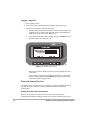
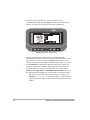
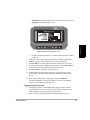
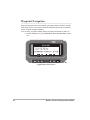
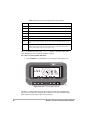
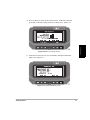
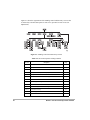
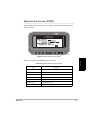
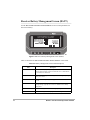
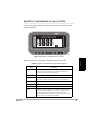
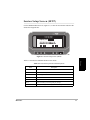
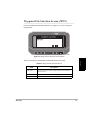
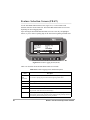
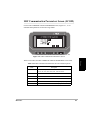
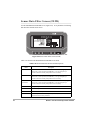
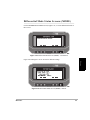
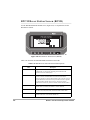
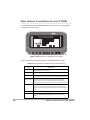
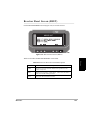
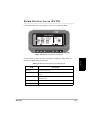
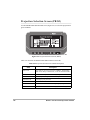
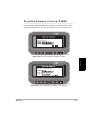
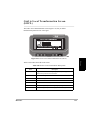
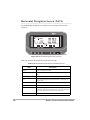
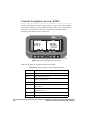
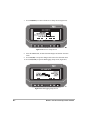
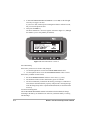
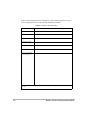
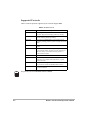
Press F1 (NAVI). The Horizontal Line Navigation screen appears, as shown
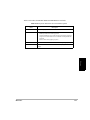
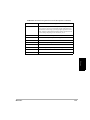
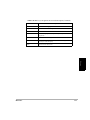
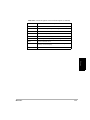
in Figure 3.28. This screen directs you to the desired waypoint, as explained
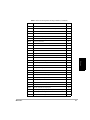
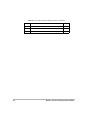
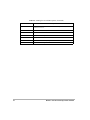
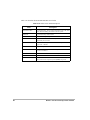
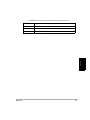
in Table 3.2.
Figure 3.28: Horizontal Line Navigation Screen
Field Operation
49