1
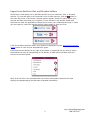
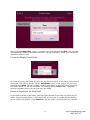
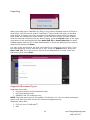
After pressing Create Case, enter in a name for the new case and tap Save. The new case
is created and is added to the folder collection. Tap the new folder. Inside, you will find the
deposition ready to view.
Create an Empty Case Folder
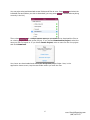
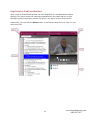
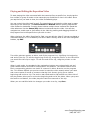
To create an empty case folder for later use, tap the plus button in the bottom-left corner of
the screen. Two options appear. Tap the New Folder option, enter a name for your new
case and press Save. You can continue creating case folders or add DVI files by choosing
the iTunes option. To see the new folder you created, tab the Done button. The folder
carousel reappears where you can find your new folder.
Delete a DepoView for iPad Case
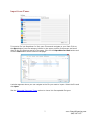
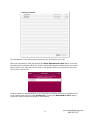
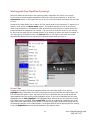
If you want to delete a case folder, slide the folder carousel to the case you would like to
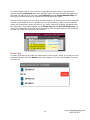
delete. Press the trash button in the bottom-left of the screen. A window appears asking
you to confirm the deletion. Press Continue, and the folder is removed from the carousel.
9
www.GeorgiaReporting.com
(404) 389-1155