1
Begin Using DepoView for iPad
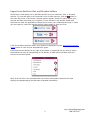
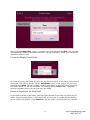
Once the download has finished, click the DepoView for iPad icon to launch the application.
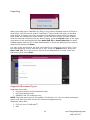
When DepoView for iPad opens, press the Start DepoView for iPad button.
Managing DepoView for iPad Cases
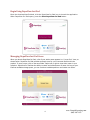
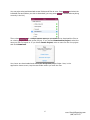
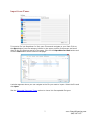
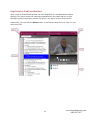
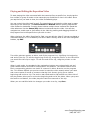
When you launch DepoView for iPad, a list of your active cases appears in a “cover flow” view, as
shown below. DepoView for iPad provides a sample case for you to become familiar with the
product. To open a case, click on the case folder. Swipe left or right to view other cases in your
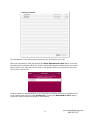
collection. DepoView for iPad has the ability to retain and utilize dozens of cases. As long as your
iPad has available storage space, you can continue to add depositions and create new cases.
4
www.GeorgiaReporting.com
(404) 389-1155