1
SALES MANAGER
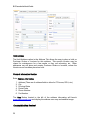
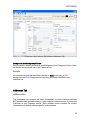
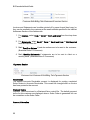
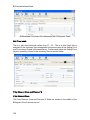
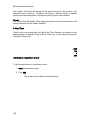
The Price Matrix displayed in the Customer Record is shown from the Customer
perspective. When the Price Matrix tab is open, the user has several filters for
displaying the pricing records in the grid that apply to the customer. This can be
very helpful when the customer has a significant number of special pricing
records that apply to them. The user can easily view relevant pricing records
rather than trying to find one specific record in a very long list.
Pricing Matrix Filters
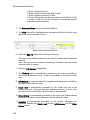
Inventory Filter
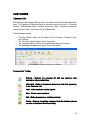
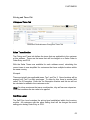
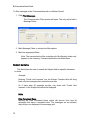
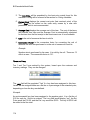
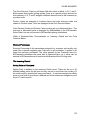
The Inventory Filter allows the user to display special prices based on the
1.
2.
3.
4.
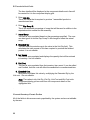
Warehouse (multi-warehouse option only),
Part Number
Product Code
Vendor
Any combination of the four selections will display only those pricing records that
match the criteria selected.
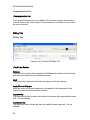
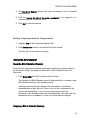
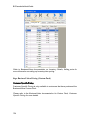
Warehouse (multi-warehouse configuration only)
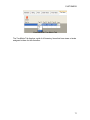
This field only appears as a filter when the multi-warehouse option has been set
up in BusinessVision. It will display all of the special pricing for items that have
been stocked in that warehouse in the grid.
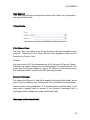
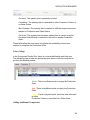
Part No
The Part No filter will display all the special pricing for the part for this customer. It
makes it very easy to see the history of special pricing for this customer.
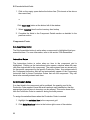
Product Code
137