1
SALES MANAGER
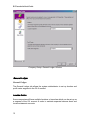
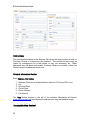
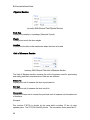
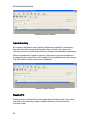
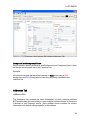
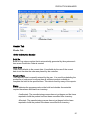
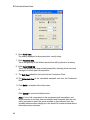
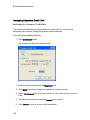
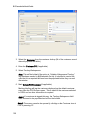
The Vehicle Info window opens to the Details Tab
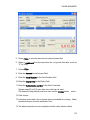
3. Enter the State/Province (maximum 2 characters) and License Plate
number in the License No fields
4. The Customer No and Customer Name fields will be automatically
populated from the same fields in the Sales Order
5. Enter the Unit No (01, 3, 10, B24, etc.) if applicable
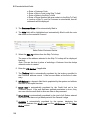
6. Enter the Make of the vehicle (GMC, Chevrolet, BMW, etc.)
7. Enter the Model (Blazer, Envoy, Sonoma, F150, etc.)
8. Enter the Year of the vehicle
9. Enter the VIN of the vehicle
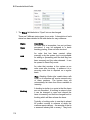
Note: Users can enter up to 3 VIN for those vehicles that have more than
the single one typically found on a passenger car. An ambulance may
have one VIN for the chassis and one for the “box” or body.
157