1
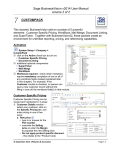
CUSTOMERS
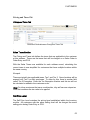
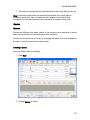
Pricing and Taxes Tab
Pricing and Taxes Tab
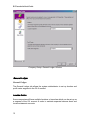
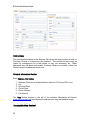
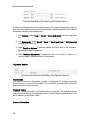
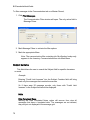
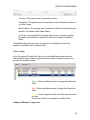
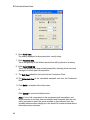
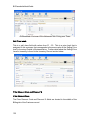
Customer Edit>Addresses>Pricing and Taxes Tab
Sales Taxes Section
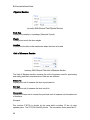
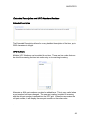
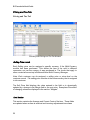
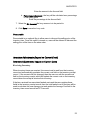
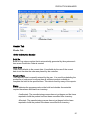
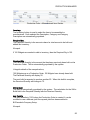
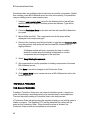
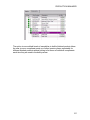
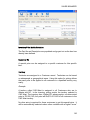
The Pricing and Taxes tab defines the taxes that are applicable to the customer
at this address. These are the taxes that will be charged on a Sales Order in
Order Entry and POS.
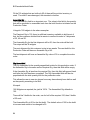
With the Sales Taxes now available for each address record, calculating the
correct taxes is now simplified for customers that have multiple locations within
the same country.
Example
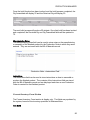
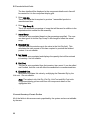
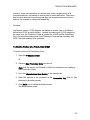
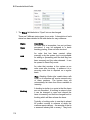
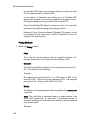
There are typically two applicable taxes, Tax 1 and Tax 2. Some locations will be
exempt from Tax 2 on their purchases. To allow for this, there is another field
called Tax 2 Exemption. Enter the Tax Exemption Number and this tax will not
be calculated or added to the customers order.
Note: For those customers that use a combined tax, they will use one unique tax
code that combines the tax value to be applied.
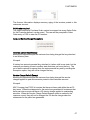
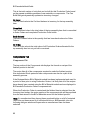
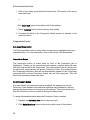
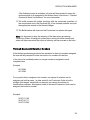
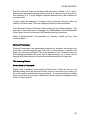
Sell Price Level
The Sell Price Level matches the pricing level established within the Inventory
module. All customers with the same selling level will be charged the same
selling price during Order Entry or POS.
63