1
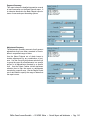
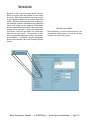
Transfer Balances
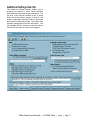
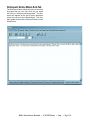
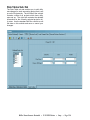
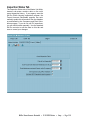
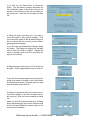
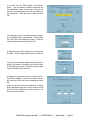
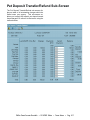
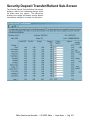
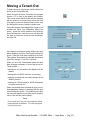
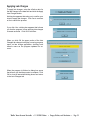
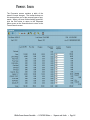
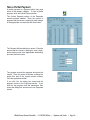
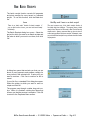
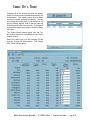
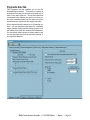
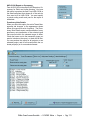
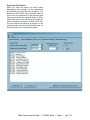
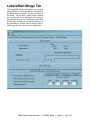
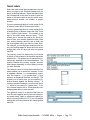
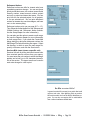
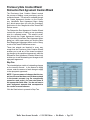
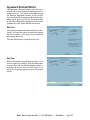
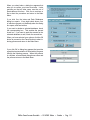
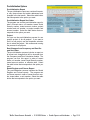
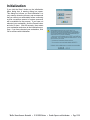
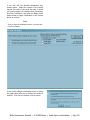
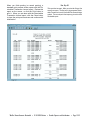
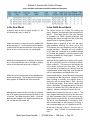
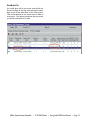
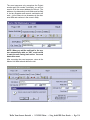
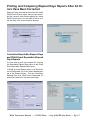
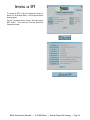
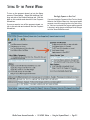
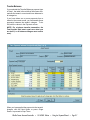
If you selected the Transfer Balances payment type
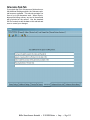
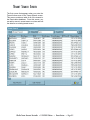
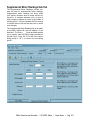
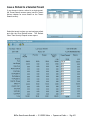
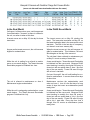
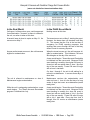
in Step 1, the table in the middle of the screen summarizes the tenant’s current and future balances in
all categories.
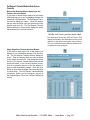
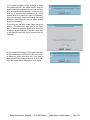
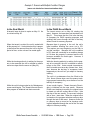
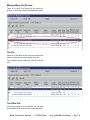
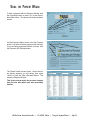
If you have taken one or more payments from a
tenant in the current month, you can transfer these
payments between the tenant’s charges. To do
this, edit the values in the Payment column.
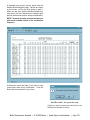
NOTE: For a balance transfer transaction, the
Total Applied field must equal zero when you
are done (i.e. all balance changes must sum to
zero).
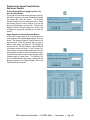
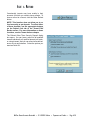
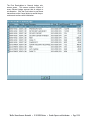
When you have applied the payment to the tenant’s
charges, click the Next button or press <Page
Down> to proceed to Step Three.
WinTen Tenant Accounts Receivable • 11/14/2003 Edition • Using the Payment Wizard • Page E.7