1
4.1 Configuring eUnits
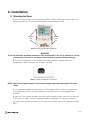
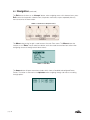
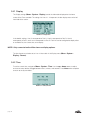
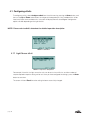
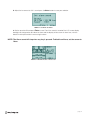
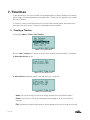
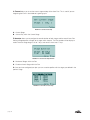
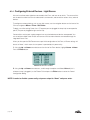
To configure an eUnit, select Configure eUnit from the eUnit menu by pressing the Enter button, and
then use the Up or Down arrow buttons to navigate to the desired eUnit. Only available eUnits will be
listed, and if there are no available units, the screen will display No units to configure! Configuration
options will differ depending on the type of eUnit.
NOTE: Please refer to eUnit’s datasheet for detailed operation description.
FIGURE 4.1 eUnits Menu
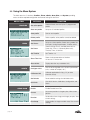
4.1.1 Light Sensor eUnit
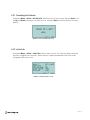
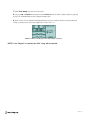
FIGURE 4.1.1 Light Sensor Configuration
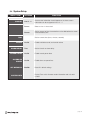
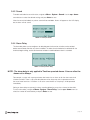
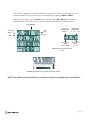
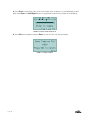
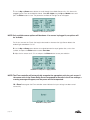
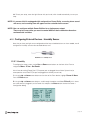
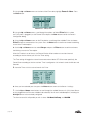
For example, if the eUnit is a light sensor, the units can be set to Lux or Kilo Lux, and the numbers of
samples required to report a setting can be set. Once you have configured the settings, press the Enter
button to save them.
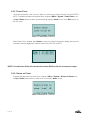
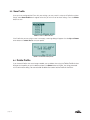
The screen will show Done! once the setting has been successfully changed.
page 20