1
The REFCON Manager
261
The REFCON Manager taskbar icon
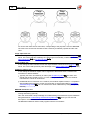
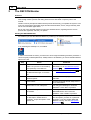
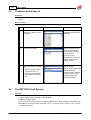
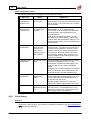
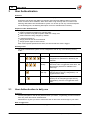
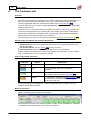
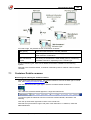
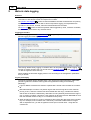
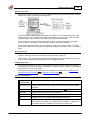
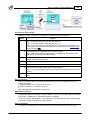
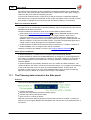
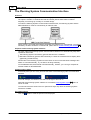
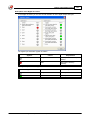
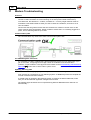
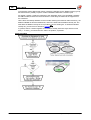
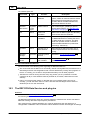
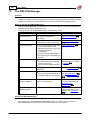
The REFCON Manager is identified by the following taskbar icon:
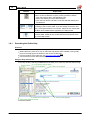
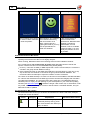
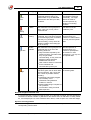
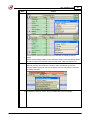
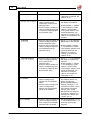
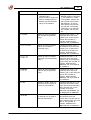
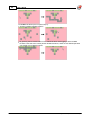
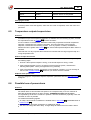
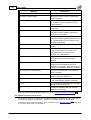
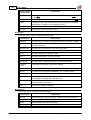
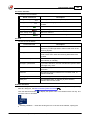
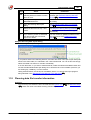
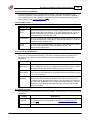
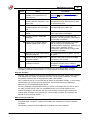
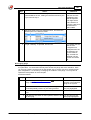
The icon can display the following colours:
Icon colour
in words
Explanation
Green
Everything is fine - all parts of REFCON on the REFCON
Main PC work well.
White
REFCON was stopped by a user and does not run.
Orange
Red
Temporary state: REFCON is being started or being stopped.
Normally the colour changes within a short time.
Something is wrong - one or more parts of REFCON on the
REFCON Main PC is malfunctioning.
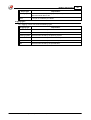
Note: The icon might be red temporarily for a few seconds,
this should be considered OK.
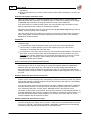
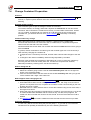
Opening and closing the REFCON Manager
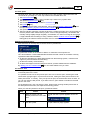
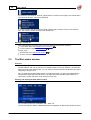
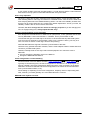
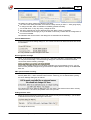
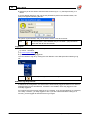
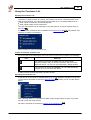
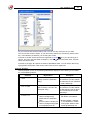
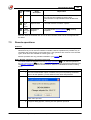
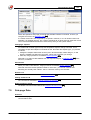
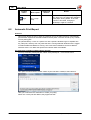
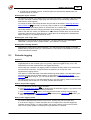
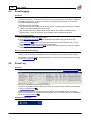
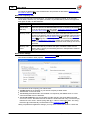
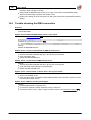
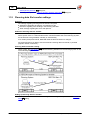
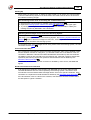
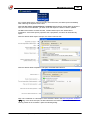
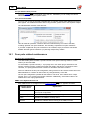
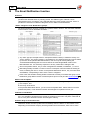
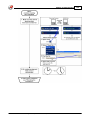
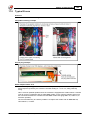
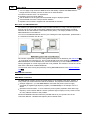
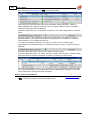
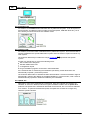
You open the REFCON Manager's user interface by
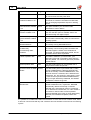
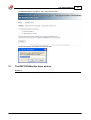
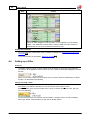
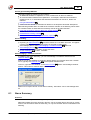
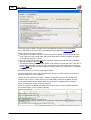
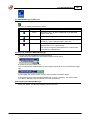
Right-clicking the taskbar icon and selecting Show from the menu:
Double-clicking the taskbar icon.
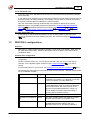
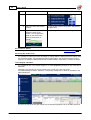
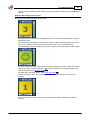
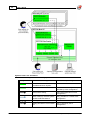
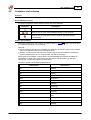
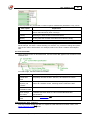
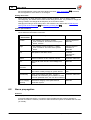
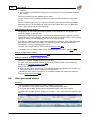
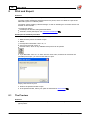
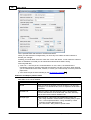
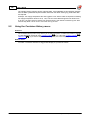
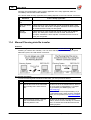
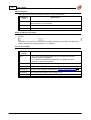
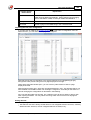
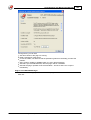
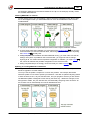
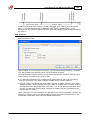
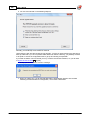
You can hide the REFCON Manager by clicking either the Minimize or the Close button upper
right:
In both cases, the program keeps running, and the taskbar icon keeps visible.
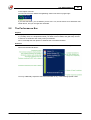
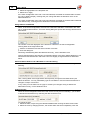
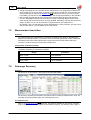
If you for some reason want the REFCON Manager to close completely, you need to select
"Exit Refcon Manager" from the taskbar icon menu (see above).
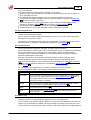
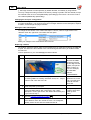
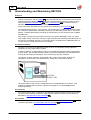
Understanding the REFCON Manager
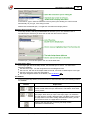
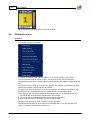
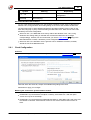
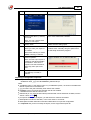
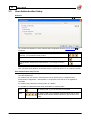
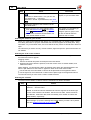
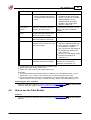
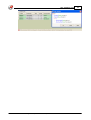
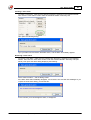
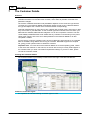
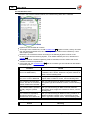
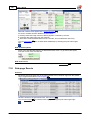
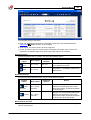
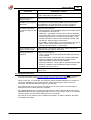
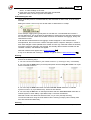
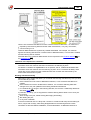
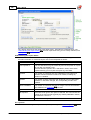
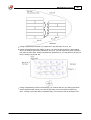
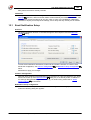
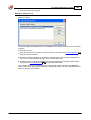
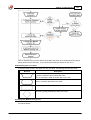
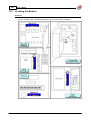
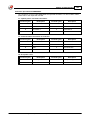
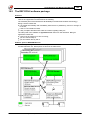
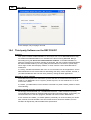
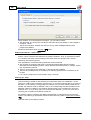
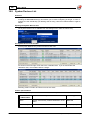
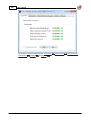
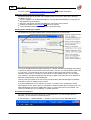
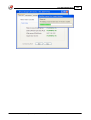
When just opened, the REFCON Manager appears like this:
© 2015 Emerson Climate Technologies - Transportation Solutions ApS