1
U SING R ENAISSANCE H OME C ONNECT WITH A CCELERATED
M ATH RP
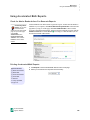
Depending on the license your district has purchased and the settings chosen by your
program administrator, you may have access to Renaissance Home Connect. If so, the
administrator and teachers will see a Renaissance Home Connect tab on the Home
page. If your school has Renaissance Home Connect available, students can score their
own assisted-response practices and exercises in Renaissance Home Connect if this is
allowed by the Accelerated Math Renaissance Home Connect preference for their class
(see page 158). Students can also view their progress in Renaissance Home Connect.
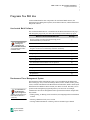
Before students use Renaissance Home Connect, check the following:
• If students use Renaissance Home Connect at school, check the computers they will
be using as described in the next section to make sure those computers have Adobe
Reader and Adobe Flash Player installed. If students will only be using Renaissance
Home Connect from their homes, their parents can check their home computers for
the necessary software.
• Make sure each student knows the Renaissance Home Connect Web address, which
is slightly different from the Renaissance Place URL. This address is available in the
informational letter that teachers and administrators can print from the
Renaissance Place Home page.
• Make sure the student knows his or her user name and password. This information
is available in the Accelerated Math Student Information Report (see page 148).
• If students will be completing assignments in Renaissance Home Connect, make
sure they have printed copies of those assignments since the problems aren’t shown
in Renaissance Home Connect.
How to Make Sure a Computer Has Adobe Flash Player and
Adobe Reader
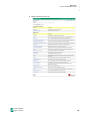
Renaissance Home Connect requires Adobe Flash Player and Adobe Reader. To find
out whether a computer has these two free programs, follow these steps:
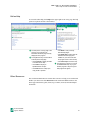
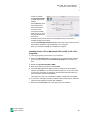
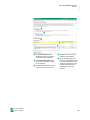
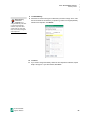
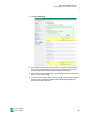
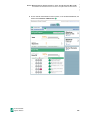
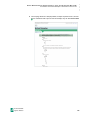
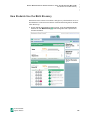
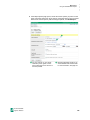
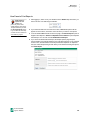
1. In a Web browser, go to the Renaissance Home Connect address provided by the
school. This address is available in the informational letter that teachers and
administrators can print from the Renaissance Place Home page.
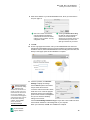
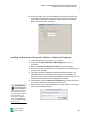
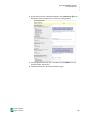
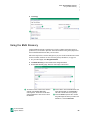
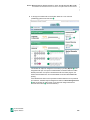
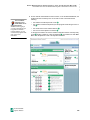
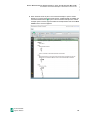
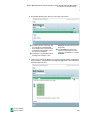
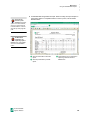
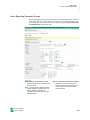
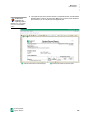
2. Enter a student’s user name and
password and click Log In.
Accelerated Math
Software Manual
100