1
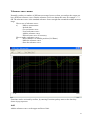
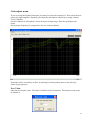
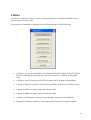
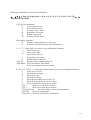
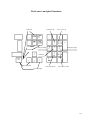
Following commands are allowed in "Edit Mode":
←, →, ↑, ↓, 0, Page Up, Page Down, +, H, 4, 6, 8, 9, 3, 5, C, S, T, P, R, G, W, CTL:←, → ,
Page Down, End, Home
C,S,T,R,G are submenus:
C,
Curve Convert menu.
S,
Scale Window menu.
T,
Tolerance Curve menu.
R,
Resonance Test menu.
G,
Display Gain menu.
W,
Polarity Window menu.
H,P is utility functions:
H,
Display compensations curve if present.
P,
Set power on output at cursor selected frequency.
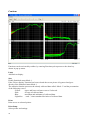
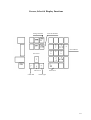
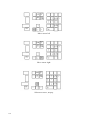
←,→ ,↑ ,↓ ,0,PgU,PgD,+ are cursor, select and display functions:
←,
Move cursor left.
→,
Move cursor right.
↑,
Select next curve, up.
↓,
Select next curve, down.
0,
Enable/disable fast cursor.
Page Up,
Enlarge selected channel, Page Up.
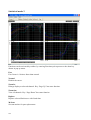
Page Down, View all channels, Page Down.
+,
Select next channel as active channel.
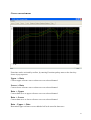
4,6,8,2,9,3,5, CTL(←,→ ,Page Down ,End, Home) are write curve and pixel functions.
4,
Write pixel’s to left.
6,
Write pixel’s to right.
8,
Write pixel’s up.
2,
Write pixel’s down.
9,
Move & write whole curve pixel’s up.
3,
Move & write whole curve pixel’s down.
5,
Write a straight line between two points.
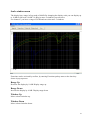
CTL ←,
Write curve left, keep envelope.
CTL →,
Write curve right, keep envelope.
CTL Page Down,
Set lower limit to zero on selected channel.
CTL End,
Reset selected channel.
CTL Home, Set limits to half scale. 40 dB down.
135