1
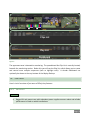
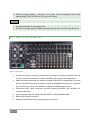
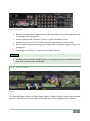
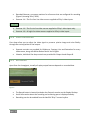
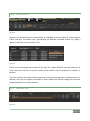
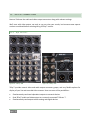
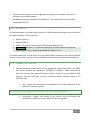
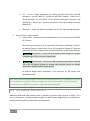
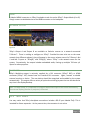
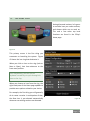
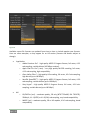
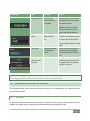
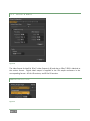
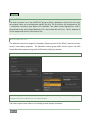
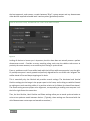
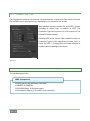
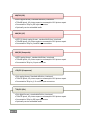
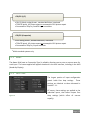
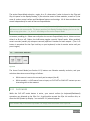
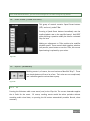
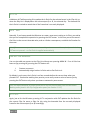
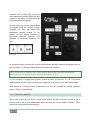
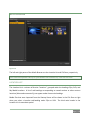
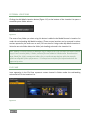
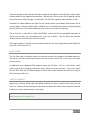
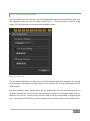
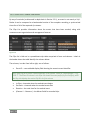
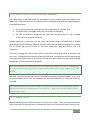
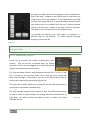
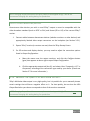
An information display section at right in the Replay Desktop titlebar (Figure 63) provides useful data. Displayed info includes: Session Name Session format Event Start/Event End (optional time display, counts down to corresponding times set in the Timecode Configuration panel) – not illustrated. Timecode (from external timecode input or system clock) Timecode Configuration button (gear icon) QR Code – scan with a suitable mobile device to download and read this manual on its screen. [x] – Exit button 6.5.1 STATUS BAR An information display is conveniently located just above the twin output monitors. From time to time this bar displays information pertaining to operations or system status, including any cautionary indications. Figure 64 For example, a brief initialization is required following a system start (or restart) for video playback to stabilize. During this warm-up period, an initialization countdown is displayed (Figure 64) in the Status Bar. Hint: Status messages disappear on their own after a little while, but you can manually dismiss them by clicking the square icon shown to the left of the text message. Page | 73